Graffiti Letter Z
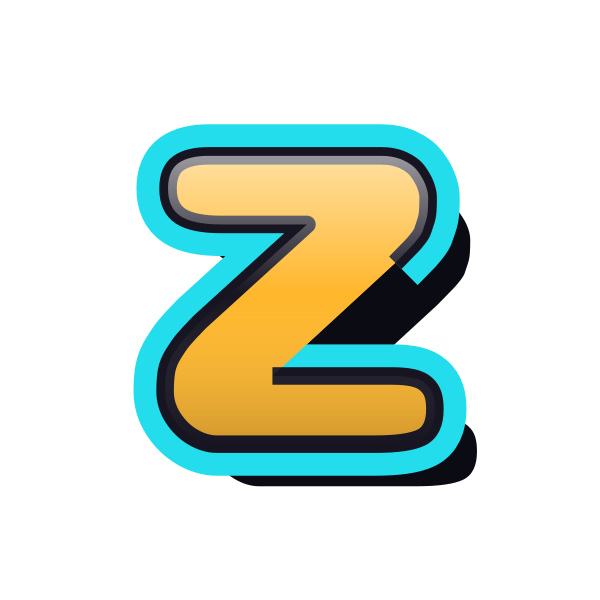
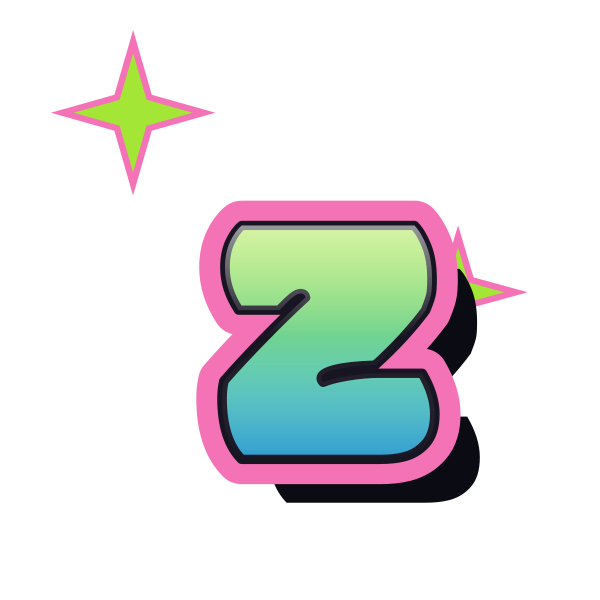
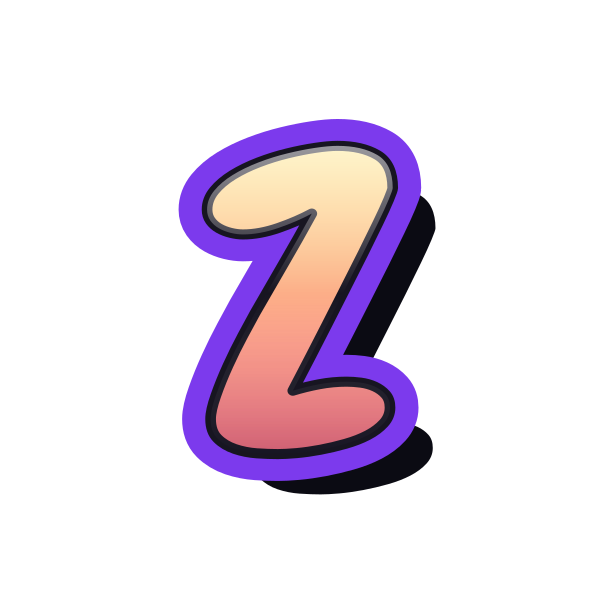
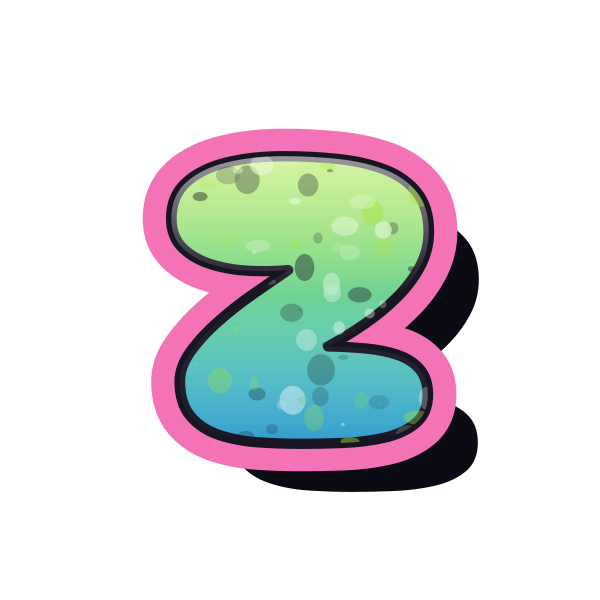
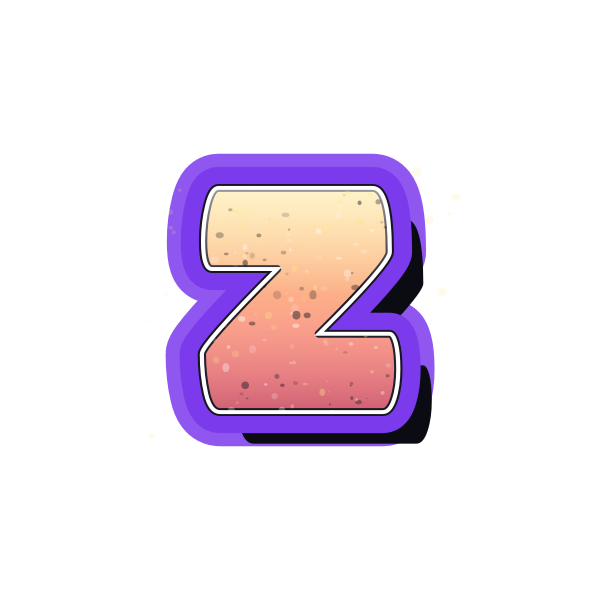
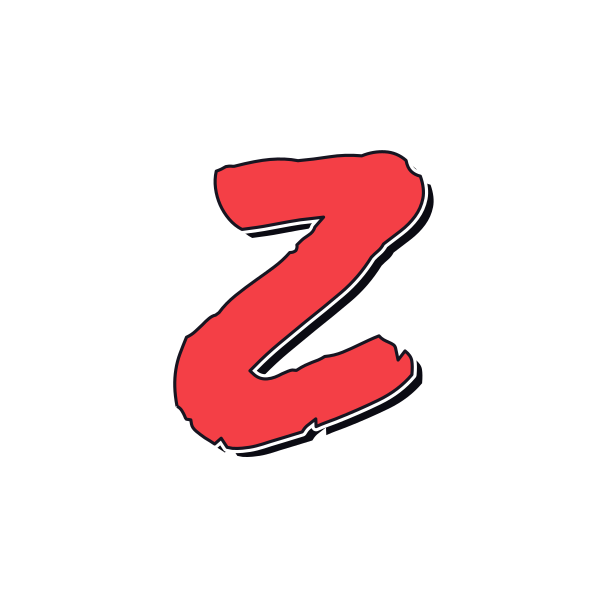
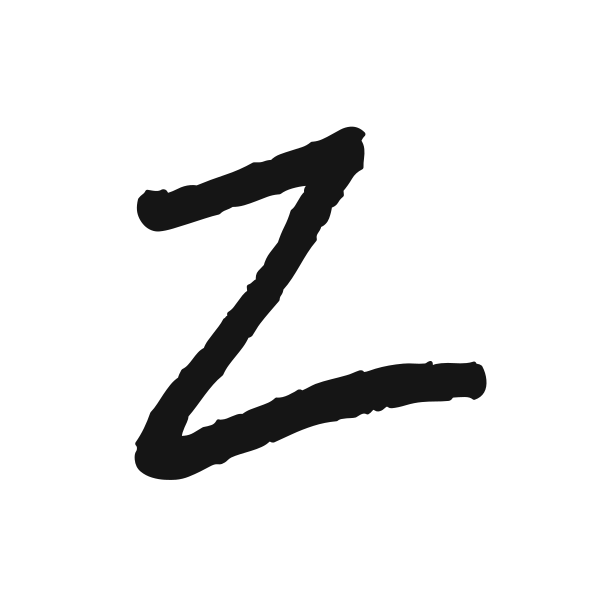
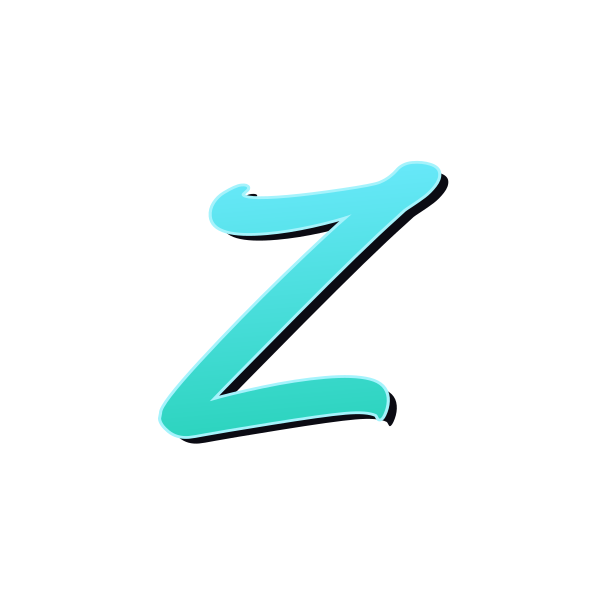
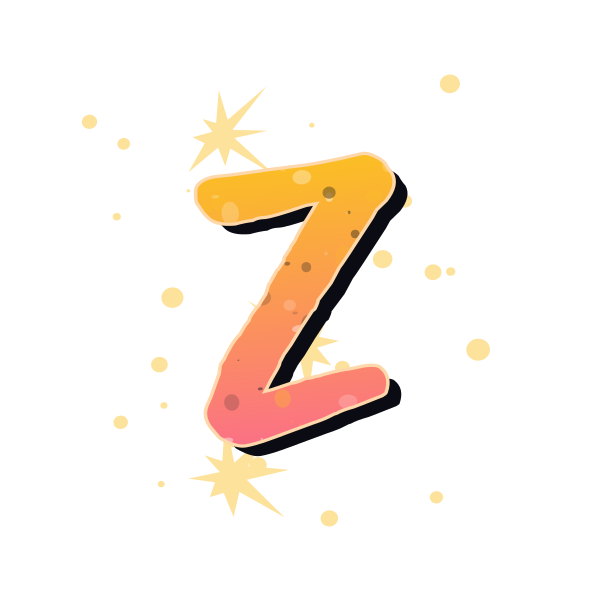
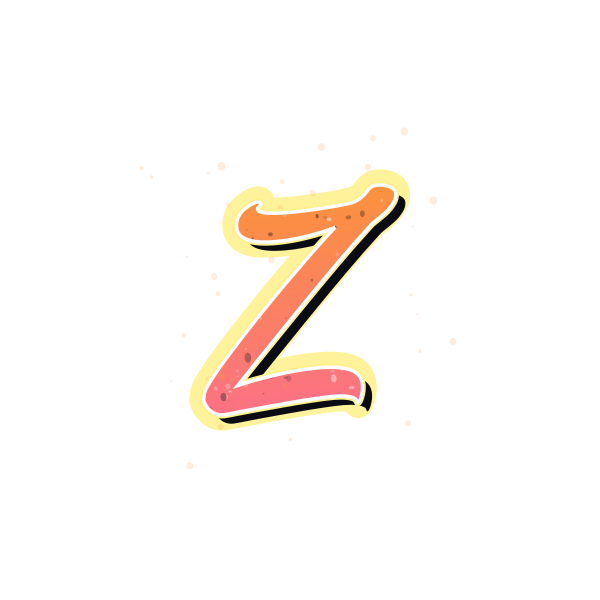
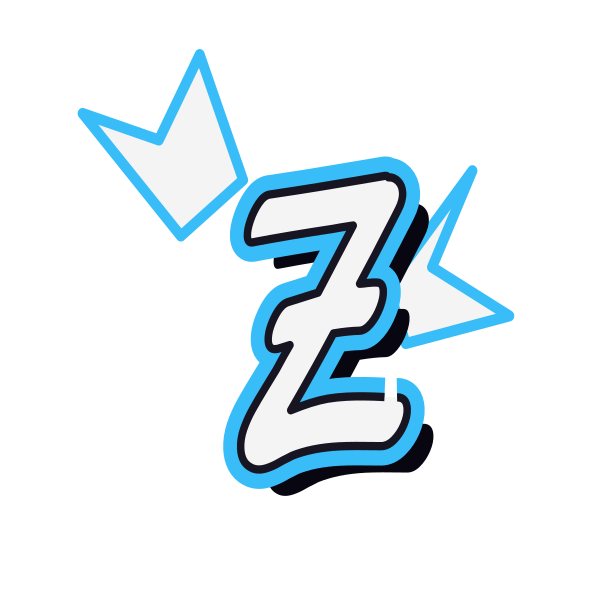
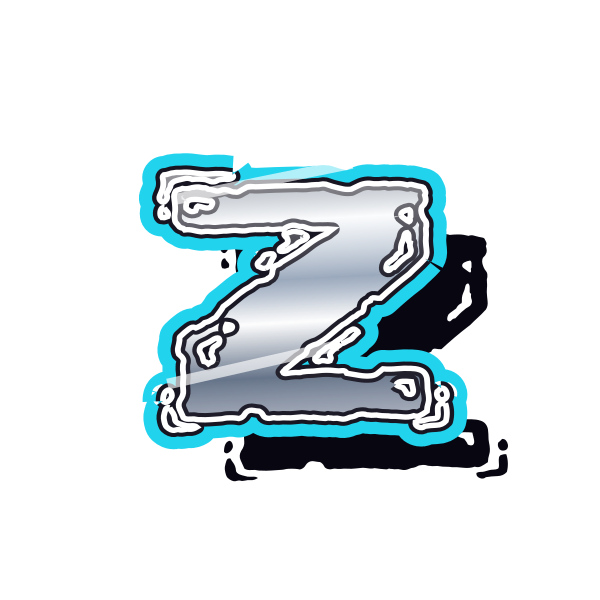
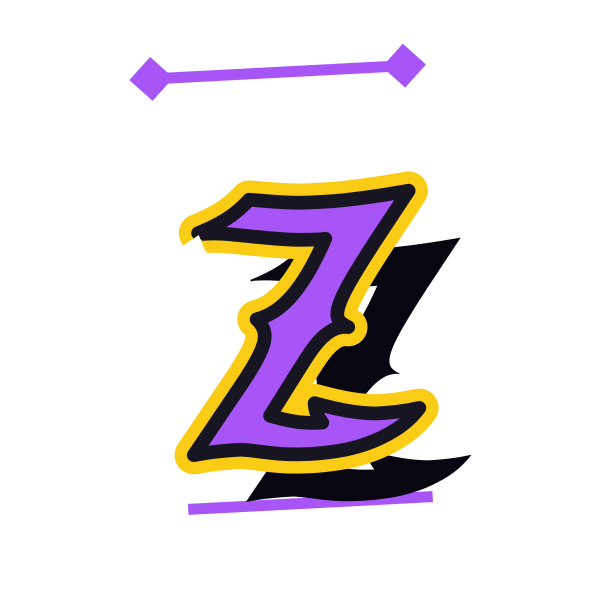
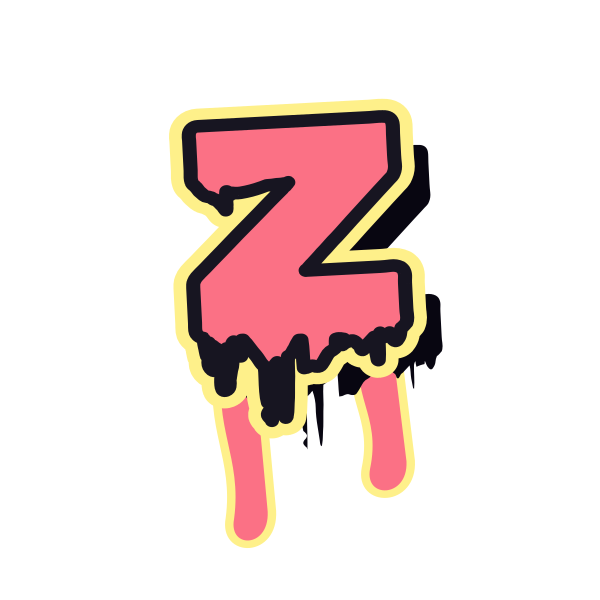
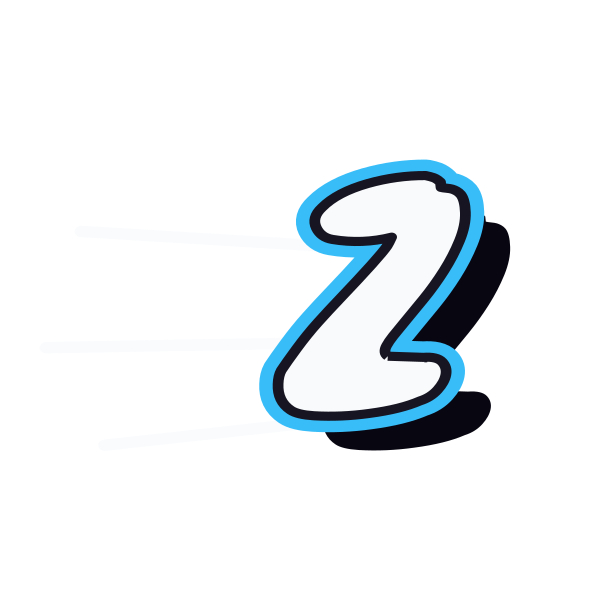
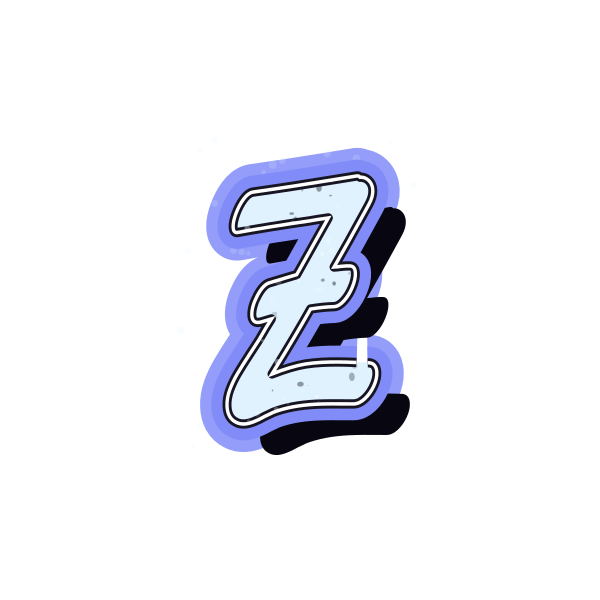
Graffiti letter Z links two broad bars with a decisive diagonal. Browse soft bubble forms, loose tags and sharper silhouettes to find a zigzag that suits your design.

How to use graffiti letter Z
- 1
Choose the direction
Compare how each Z carries the diagonal between its top and bottom bars.
- 2
Save a strong silhouette
Keep the preview whose zigzag remains clear without relying on small details.
- 3
Open the chosen treatment
Bring Z onto the canvas to adjust its color, size or position.
- 4
Personalize the text
Replace the initial with a name and review the diagonal beside the surrounding letters.
Ideas for your graffiti letter Z
Dynamic profile initial
A compact Z gives a personal avatar a recognizable zigzag outline.
Music cover accent
The diagonal can bring movement to a title-led playlist image.
Poster corner detail
Place Z near a corner with room beyond both horizontal ends.
Personal notebook art
Use a textured version to identify a sketchbook or project journal.
Gift-name graphic
Apply the selected treatment to a name beginning or ending in Z.
Contrasting initial pair
Combine Z with a rounded letter for a lively mix of straight and curved forms.
Graffiti letter Z FAQs
How can I keep a graffiti Z easy to read?
Choose a clear top bar, diagonal and lower bar. Small decorative extensions should not hide the central zigzag.
Which Z feels softer without losing its shape?
A bubble treatment rounds the ends while retaining the diagonal. Compare its inner corners at the intended display size.
Why might a stylized Z resemble a 2?
A strongly curved upper bar can suggest a numeral. A flatter top and a decisive diagonal help establish the letter.
Can Z sit on a photograph without a surrounding square?
Download the design with a transparent background, then position it where the main zigzag contrasts with the photo.
How do I turn this Z into my own name?
Open the selected preview in the editor, enter your name in the text field and adjust the spacing before saving.