Explore Angular Wildstyle Graffiti Letters
Build a bolder word from angular letters, layered outlines, and directional accents. Try a wildstyle-inspired preset, then study how structure and overlap make complex lettering work.
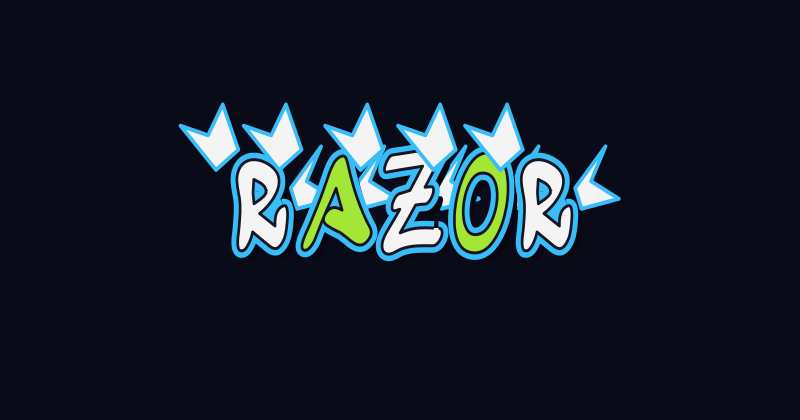 Razor Cut
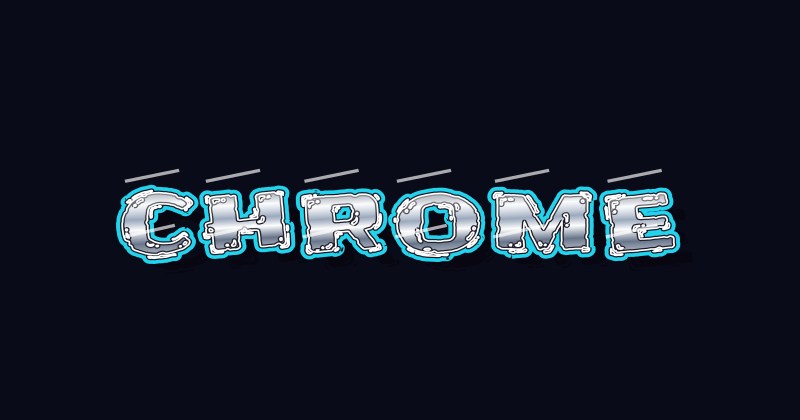 Chrome Burner
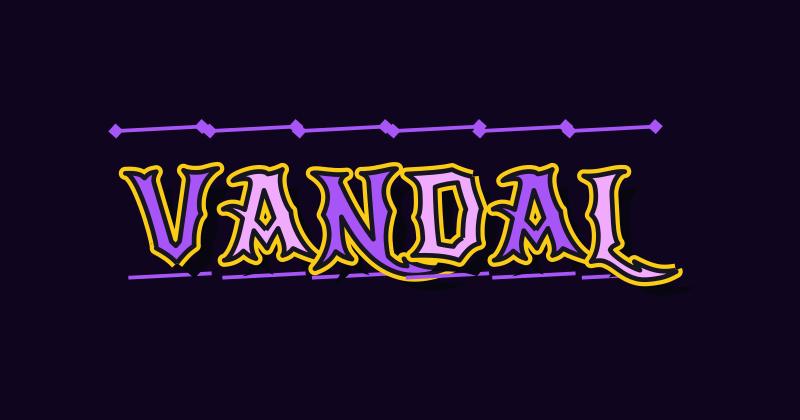 Fraktur
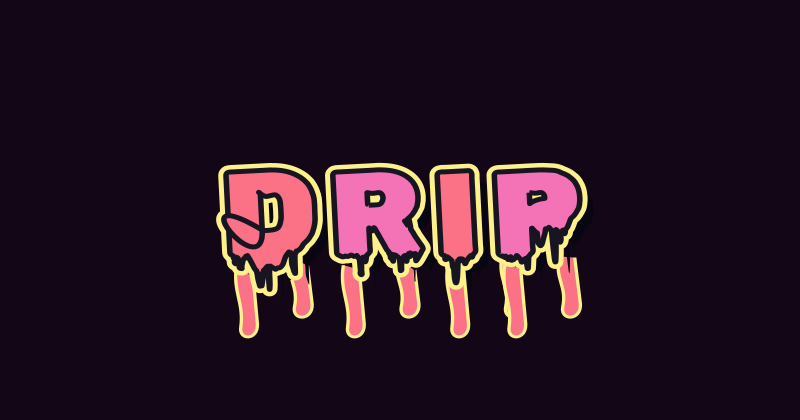 Melting Drip
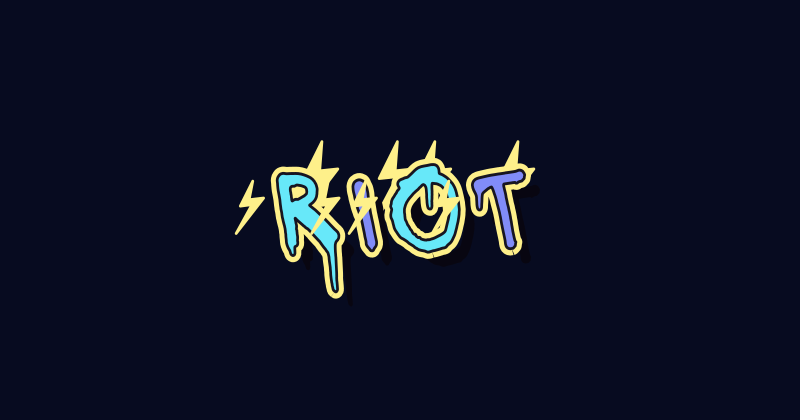 Electric Wire
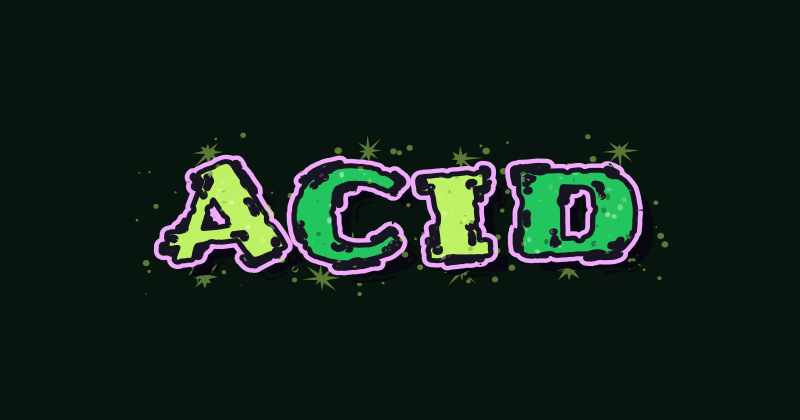 Acid Splash
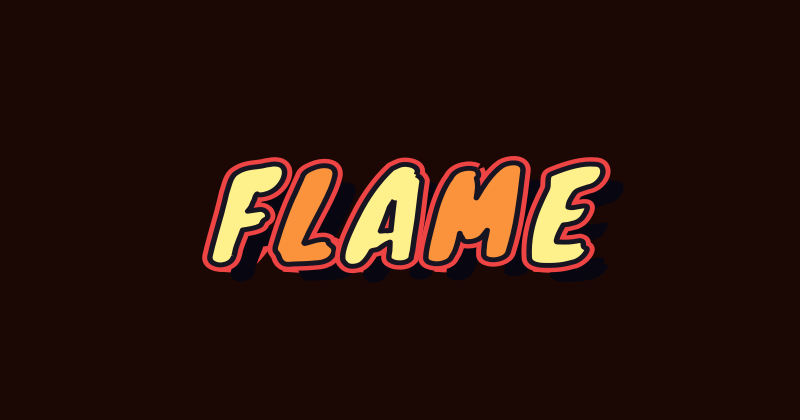 Flame Thrower
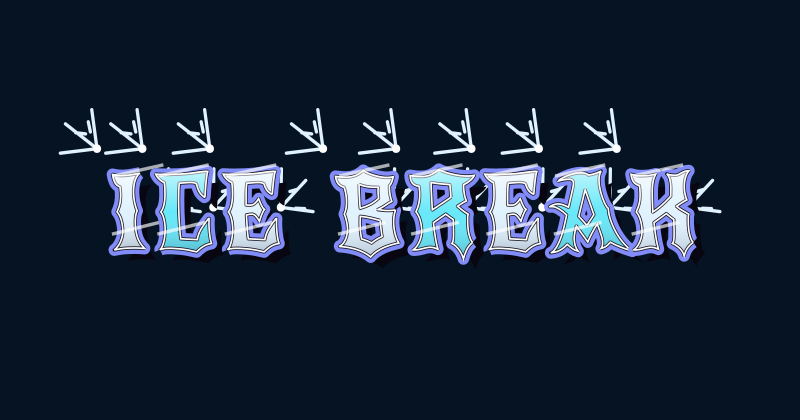 Ice Shards
 Deep 3D
 Speed Lines
 Brush Rush
 Comic Halftone
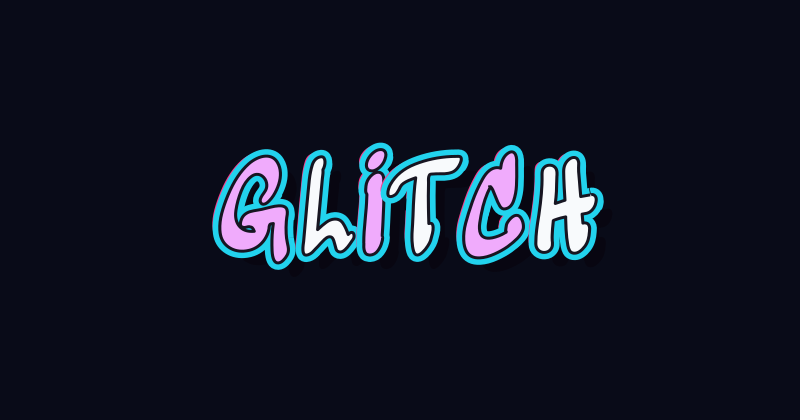 Glitch Wave
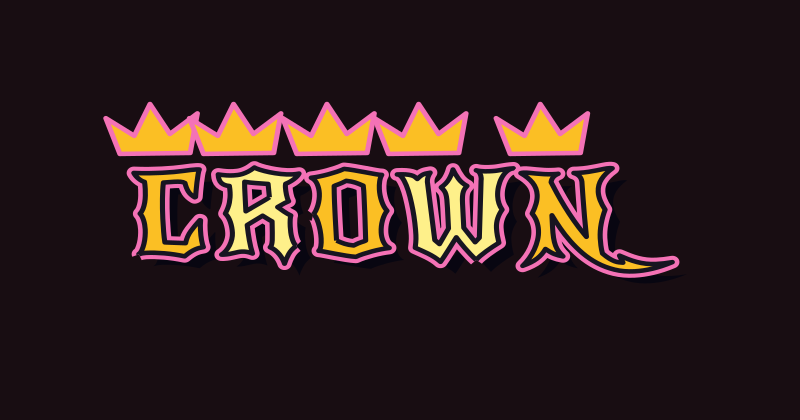 Crowned Rebel
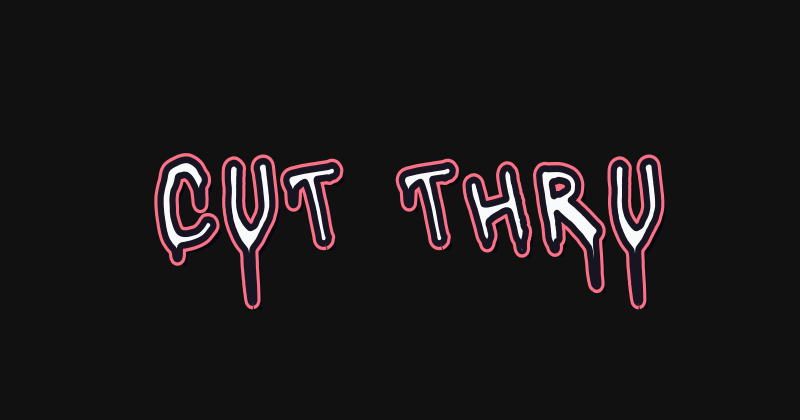 Stencil Cut
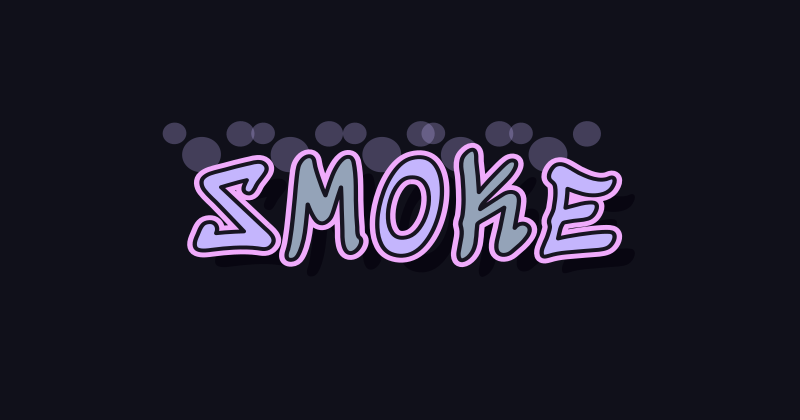 Smoke Signal
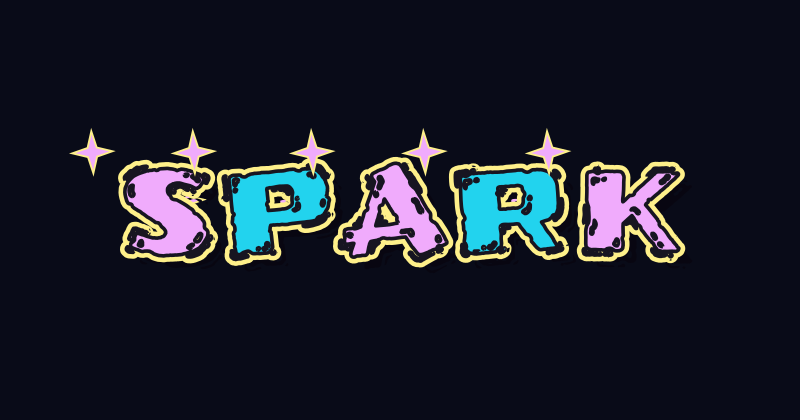 Star Sparks
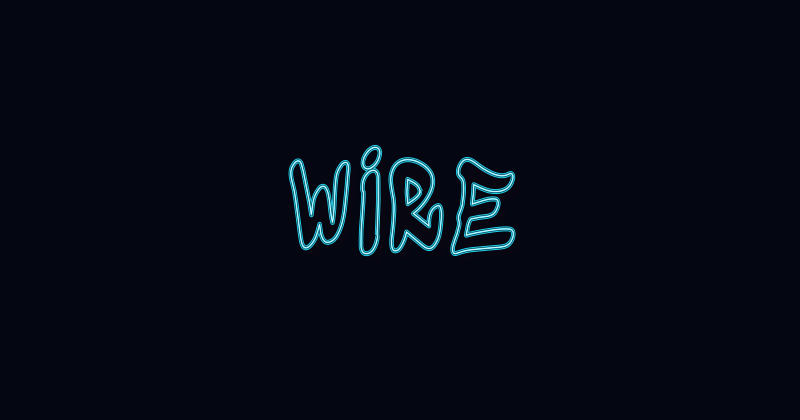 Neon Wireframe
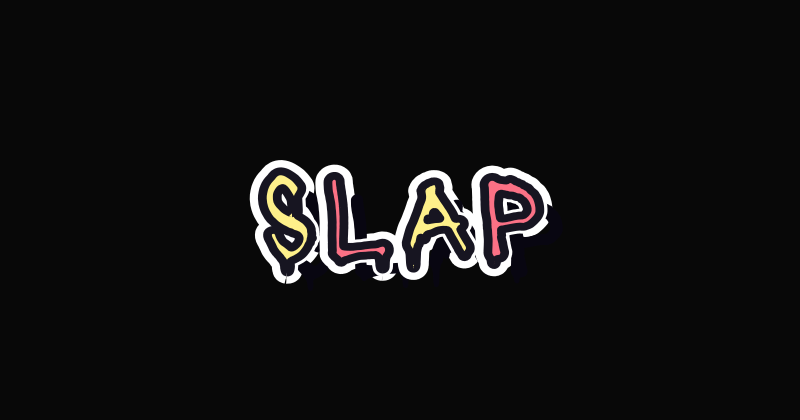 Sticker Slap
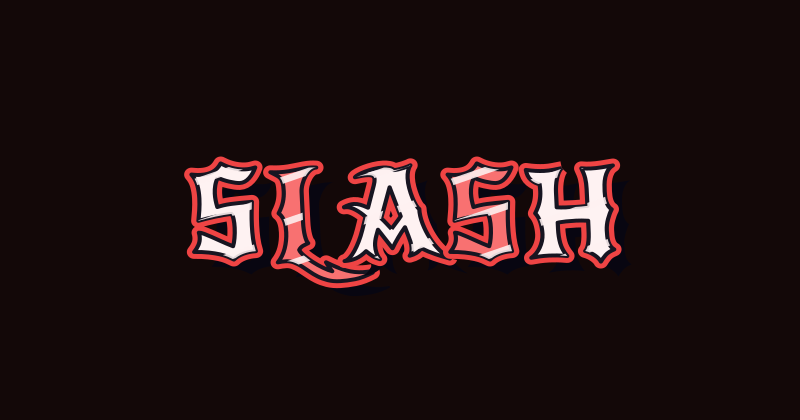 Slash Attack
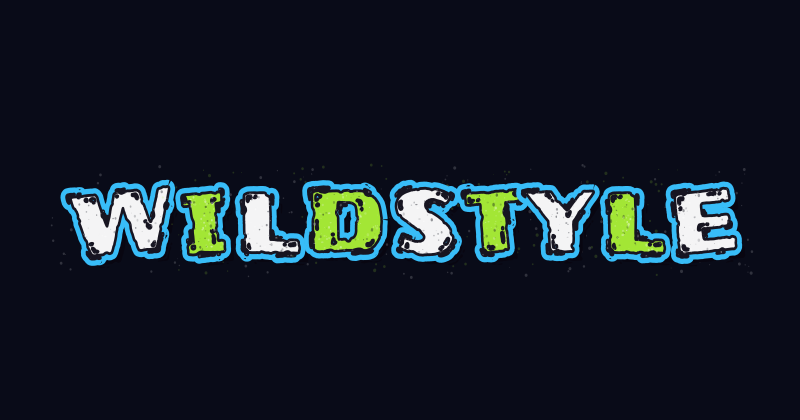 Wildstyle Mist
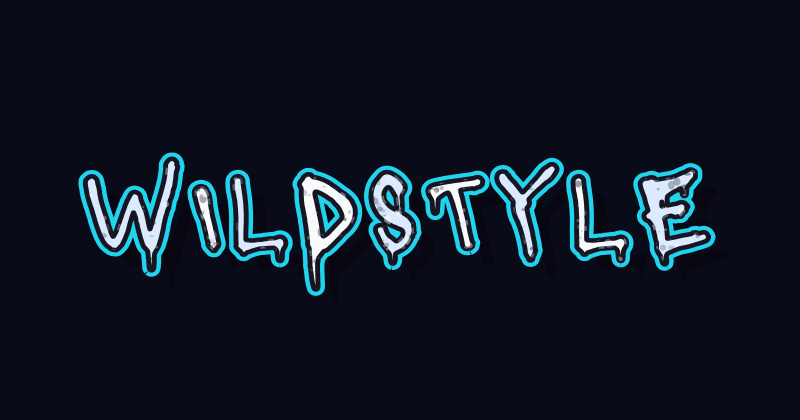 Wildstyle Grain
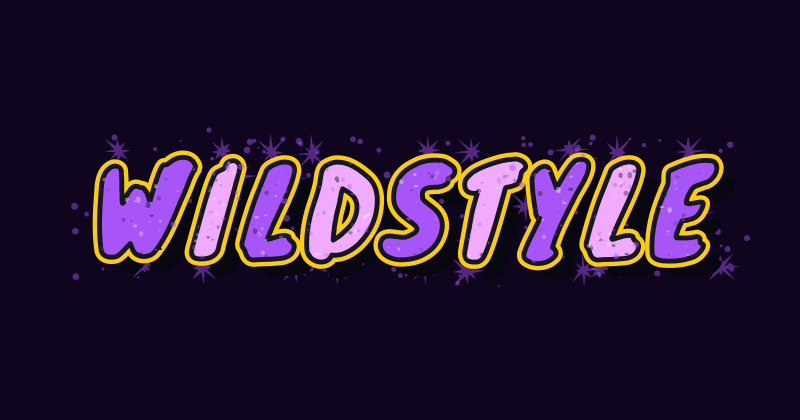 Wildstyle Paint Bomb
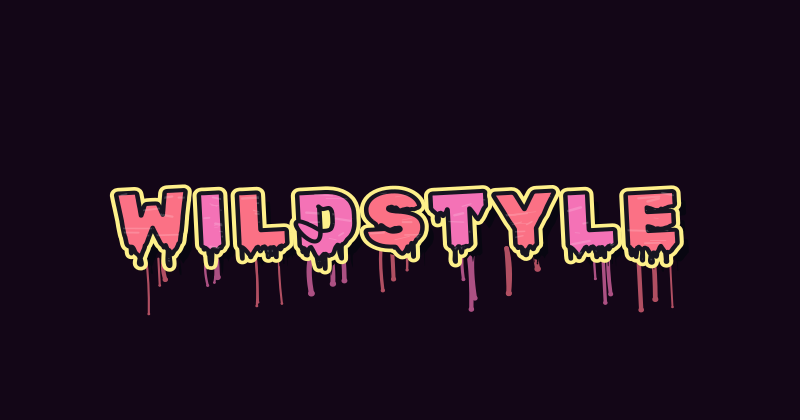 Wildstyle Wet Paint
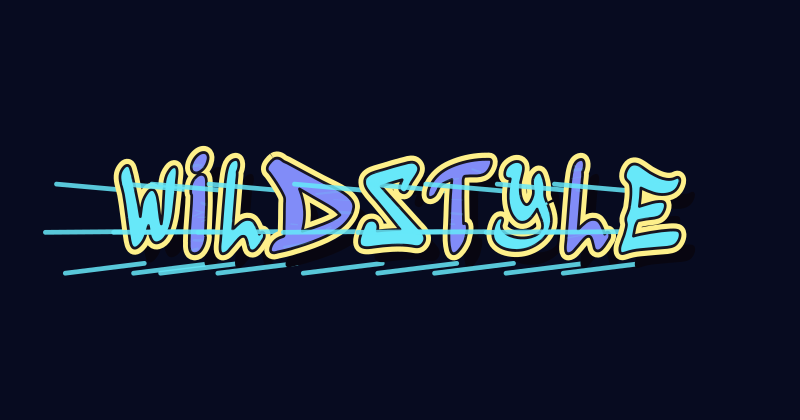 Wildstyle Dry Brush
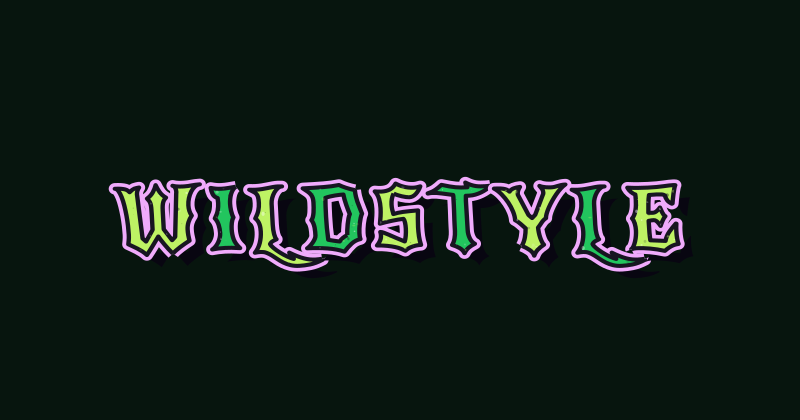 Wildstyle Worn
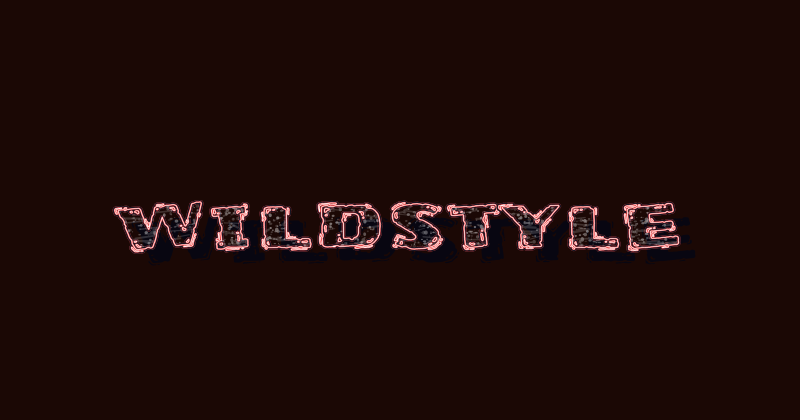 Wildstyle Chalk
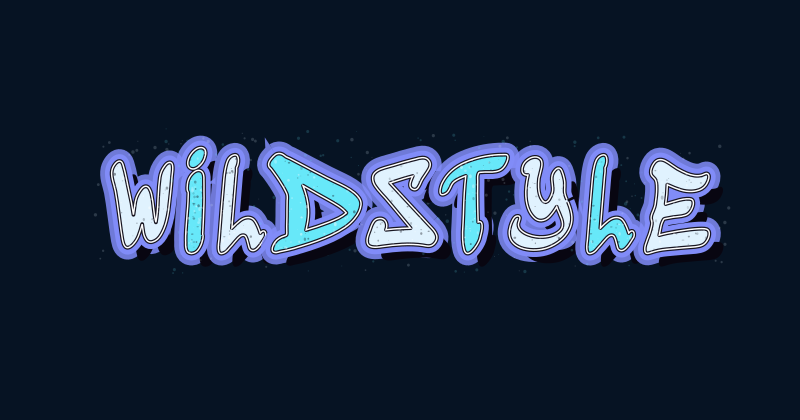 Wildstyle Neon Halo
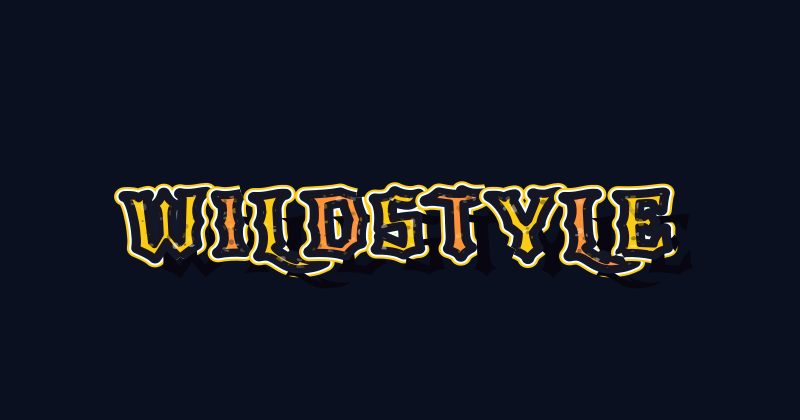 Wildstyle Double Outline
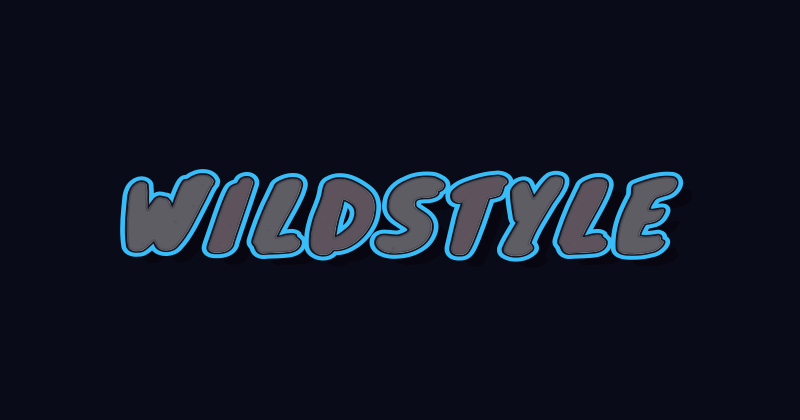 Wildstyle Bevel
The structure behind wildstyle graffiti
Complex lettering works best when the shapes relate to each other. Build the word before adding visual effects.
Read and build wildstyle graffiti letters
Compare the presets with the underlying drawing principles, then decide how much complexity suits your word.
What is wildstyle graffiti?
Wildstyle graffiti uses transformed, connected, and overlapping letters. Extensions and arrows can push the word toward an abstract composition, making it harder to read at a glance than bubble lettering or a simple tag.
The presets here offer wildstyle-inspired typography, angular shapes, and decorative effects. They use existing font forms that you can rearrange; the editor does not automatically draw custom interlocking letter structures for every word.
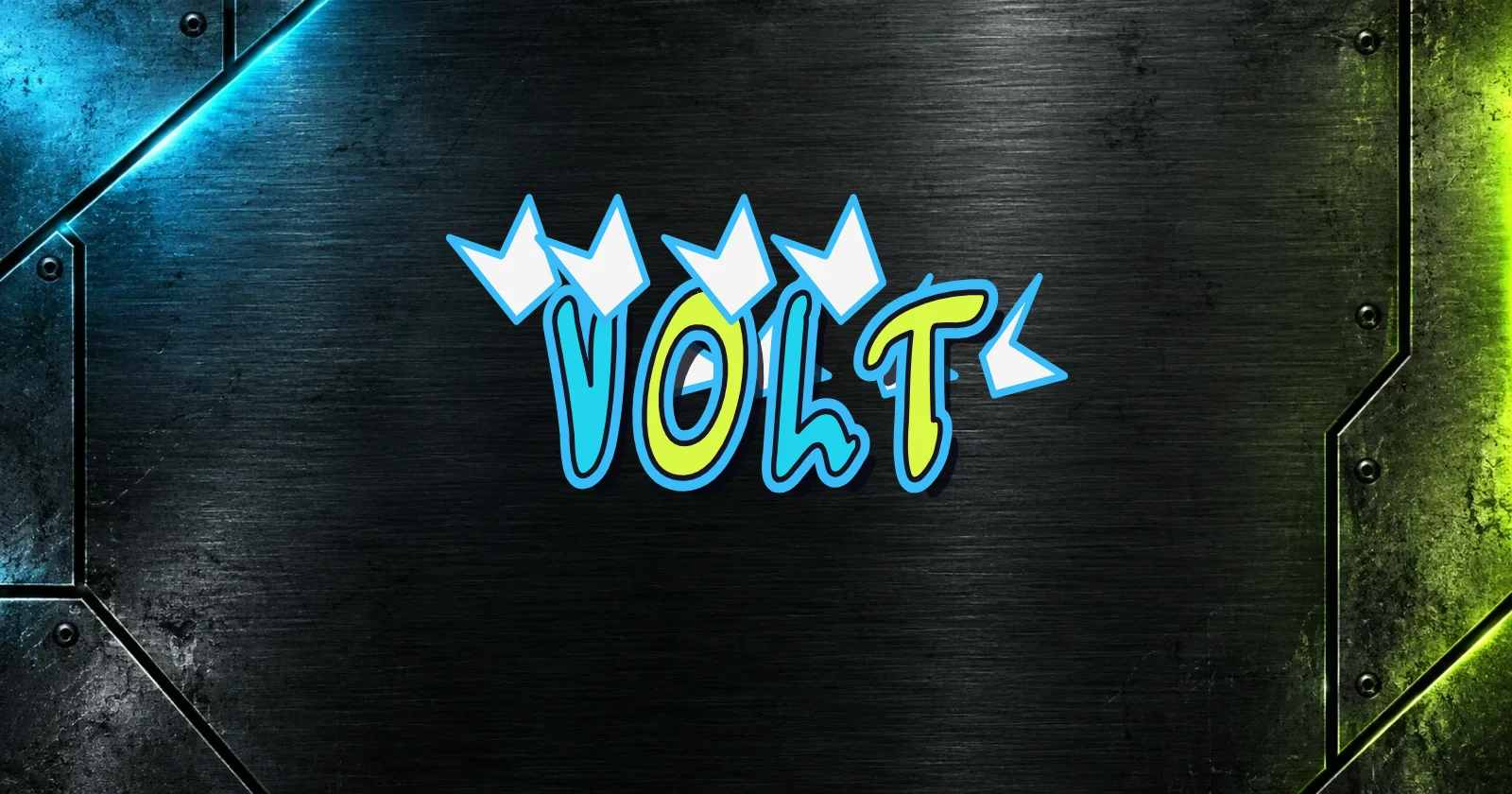
Wildstyle letter construction tips
Sketch a short word in simple letters, then build bars around the strokes. Try overlapping one pair of letters while keeping their main shapes identifiable. Add a few extensions that follow a shared direction before working on fill, outline, and depth.
Study a wildstyle graffiti alphabet as a set of constructions, rather than letters to paste together unchanged. A letter may need a different connection beside each neighbor. In this editor, use position, rotation, and scale to explore the layout; develop custom connections separately when drawing by hand.
How to use the wildstyle graffiti generator
- 01
Start with a short word
Open a preset above and enter your name or title. Fewer letters leave more room to compare angles and overlaps.
- 02
Balance shapes and layers
Move, rotate, and resize the letters. Adjust the outline, colors, and shadow while checking that important strokes remain visible.
- 03
Export the finished layout
Save PNG or SVG before leaving. Use a transparent background to add your lettering to a poster or another graphic.
Wildstyle graffiti questions
Answers about the lettering style, practice, and using the editor.
Letters can overlap, connect, and extend beyond their familiar shapes. To read a piece, look for its main strokes and inner spaces first, then separate those from arrows and other decorative elements.
Yes, but start with basic letter structure and simple overlaps. Build one connection at a time so you can see what it changes. Adding many arrows before the letters work makes the composition harder to control.
Draw individual letters using simple bars, then practice pairs to explore connections. Keep the skeleton recognizable as you change extensions. Our graffiti alphabet section includes A–Z references with wildstyle-inspired presets and drawing tips. Follow the alphabet link below to study individual letters.
The editor uses font shapes and wildstyle-inspired presets. You can change letter positions, angles, sizes, colors, and effects, but it does not draw new letter connections or generate artwork from AI prompts.
Yes. PNG and SVG exports are free, with no account or watermark. Choose a transparent background when you want to layer the lettering over another image. The download is artwork, rather than a font file.
Keep exploring graffiti lettering
Study a related guide or compare another style for your next word.