Free online lettering studio
Free Graffiti Generator
Turn your name or a short phrase into graffiti text. Choose bubble, tag, or wildstyle lettering, make each letter your own, and download your design.
- Free to use
- No account needed
- No watermark
Colors and background
Background image
Graffiti generator features
Choose a starting style, shape your lettering, and take the finished artwork into your next design.
Make your graffiti design your own
See how a starting preset becomes lettering for your name, profile graphic, or poster.
Three lettering styles
Find your graffiti style
A graffiti font generator gives your word a starting shape. Here, you can go further: choose a preset, then change the individual letters instead of keeping a fixed layout.
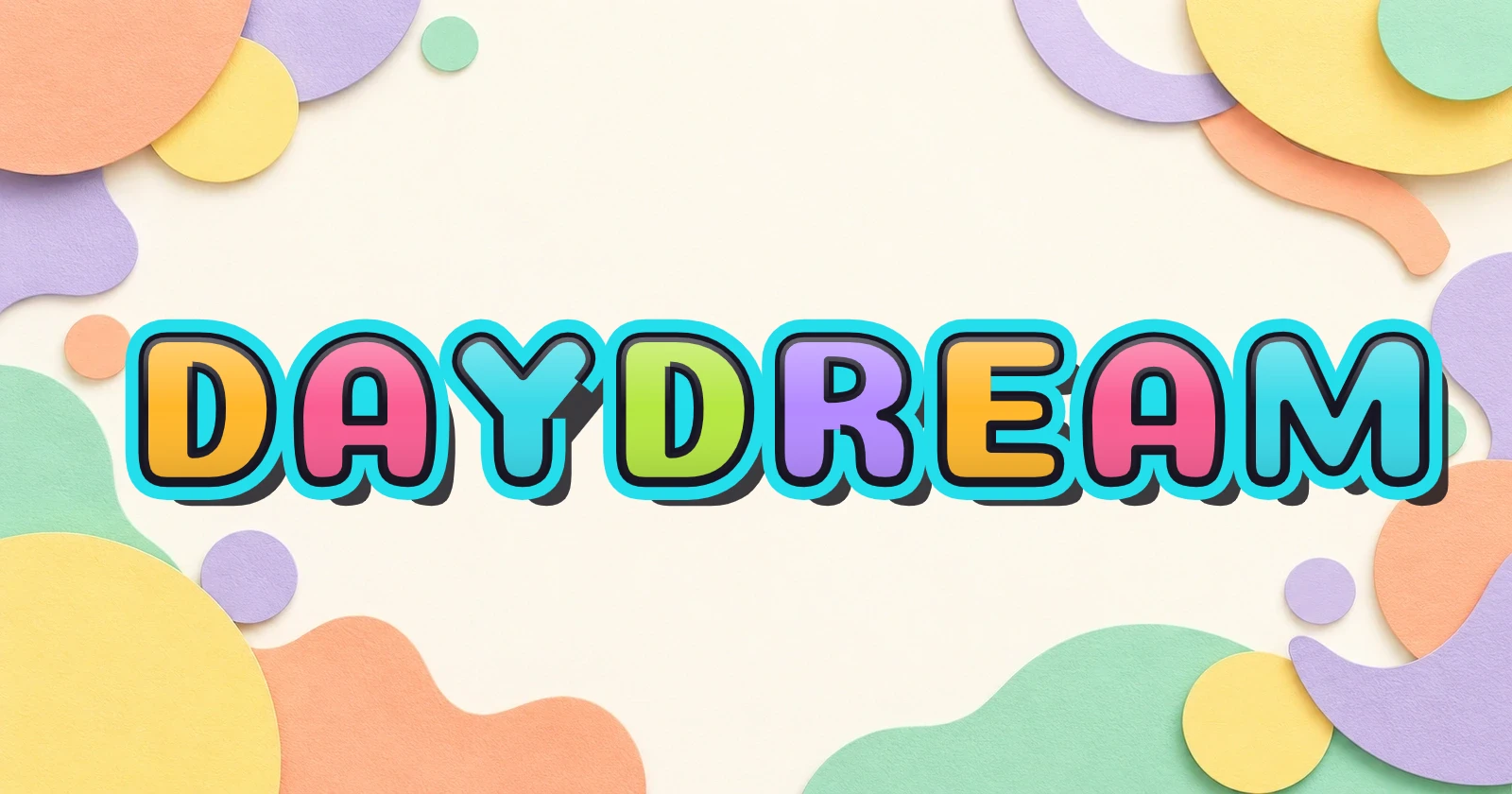
Bubble graffiti
Choose rounded letters with a bold outline for readable names and playful titles. Contrast the fill and outline so the curves stay clear.
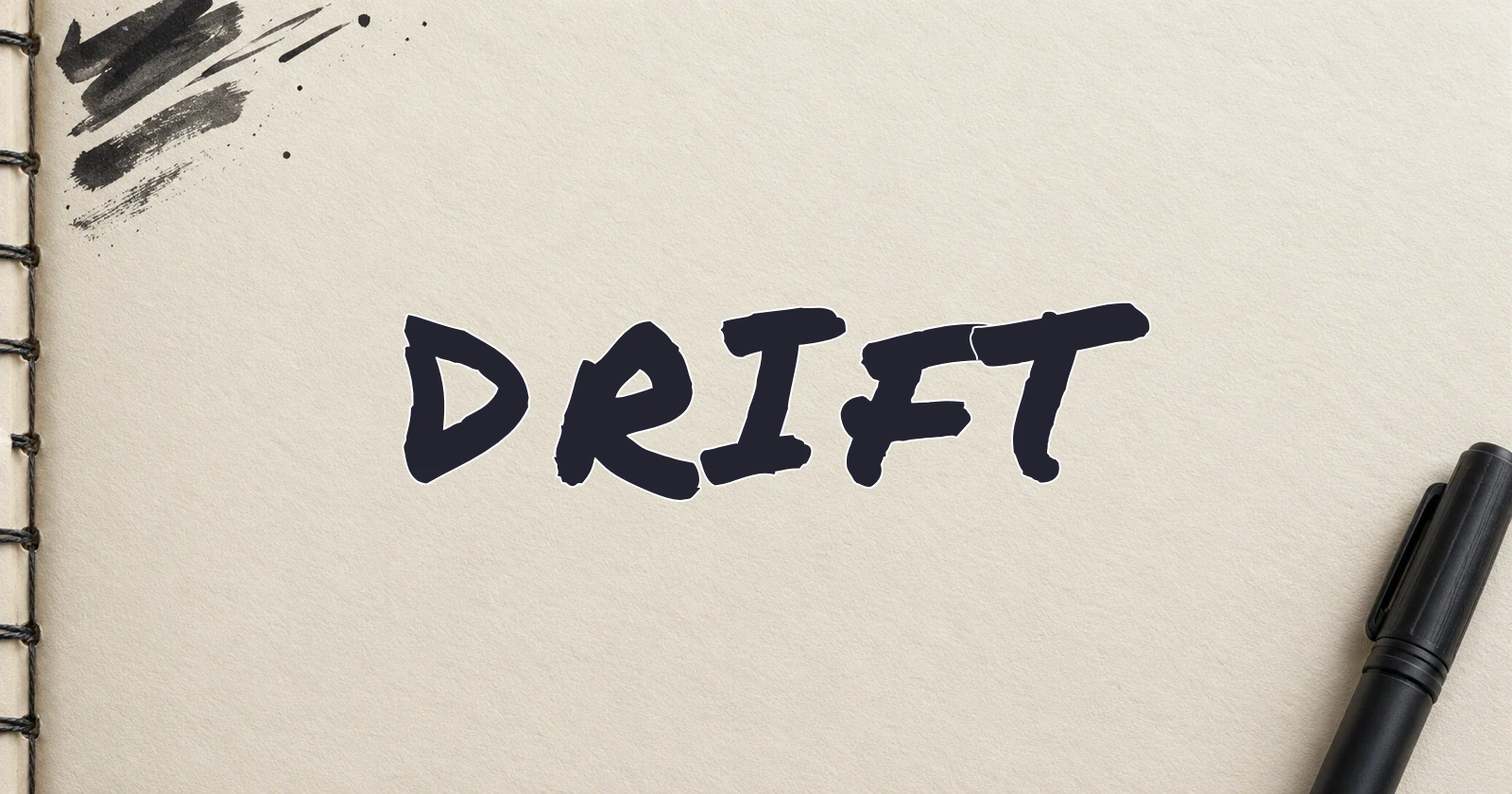
Graffiti tags
Try the graffiti tag generator for marker-inspired handstyle. Short nicknames leave room for slanted letters; adjust the angle and spacing to suit your word.
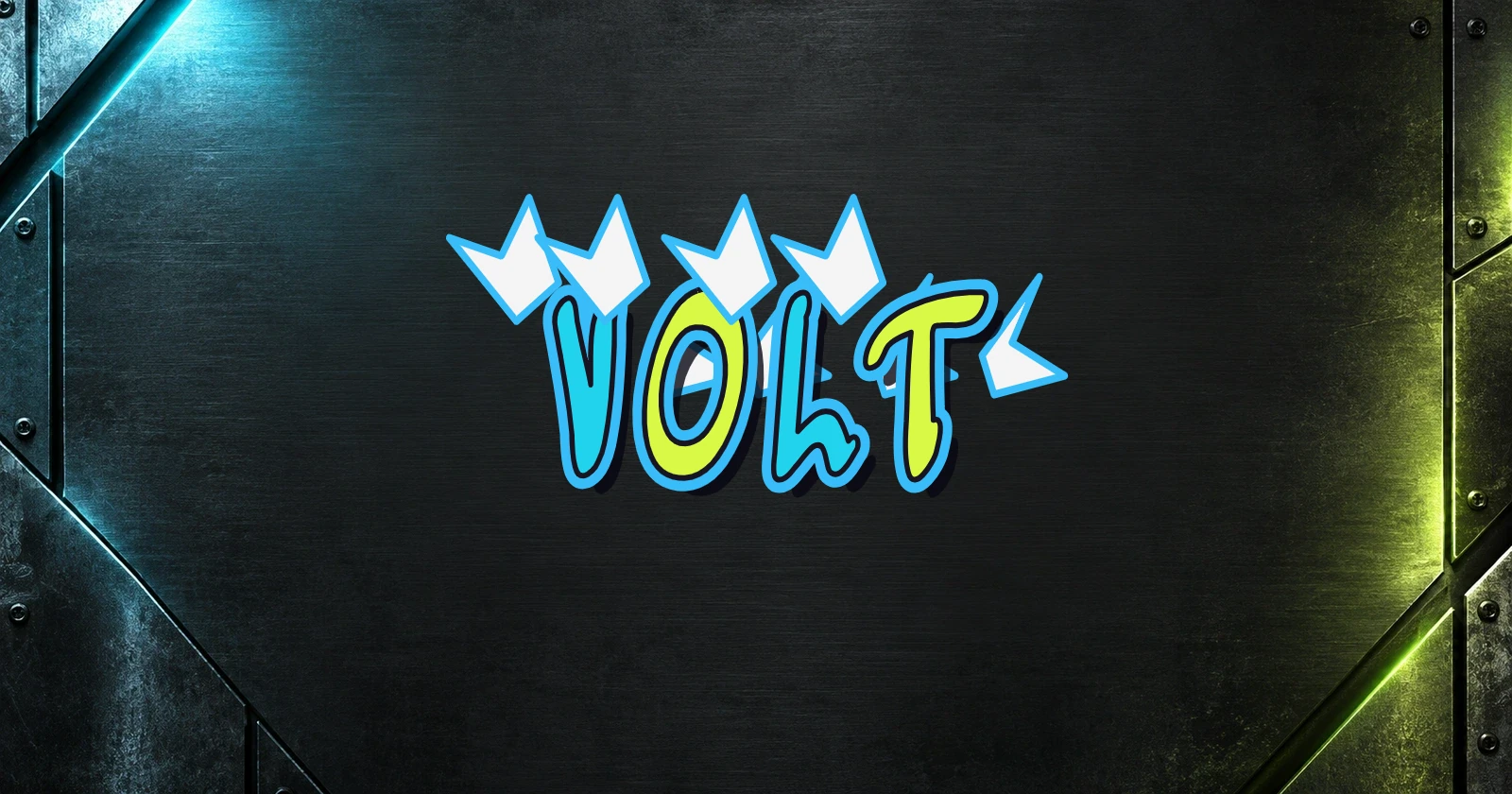
Wildstyle graffiti
Explore sharper shapes, layered outlines, and decorative effects. Compare wildstyle previews, keep the word short, and check that overlapping letters still read clearly.
Individual letter controls
Make every letter your own
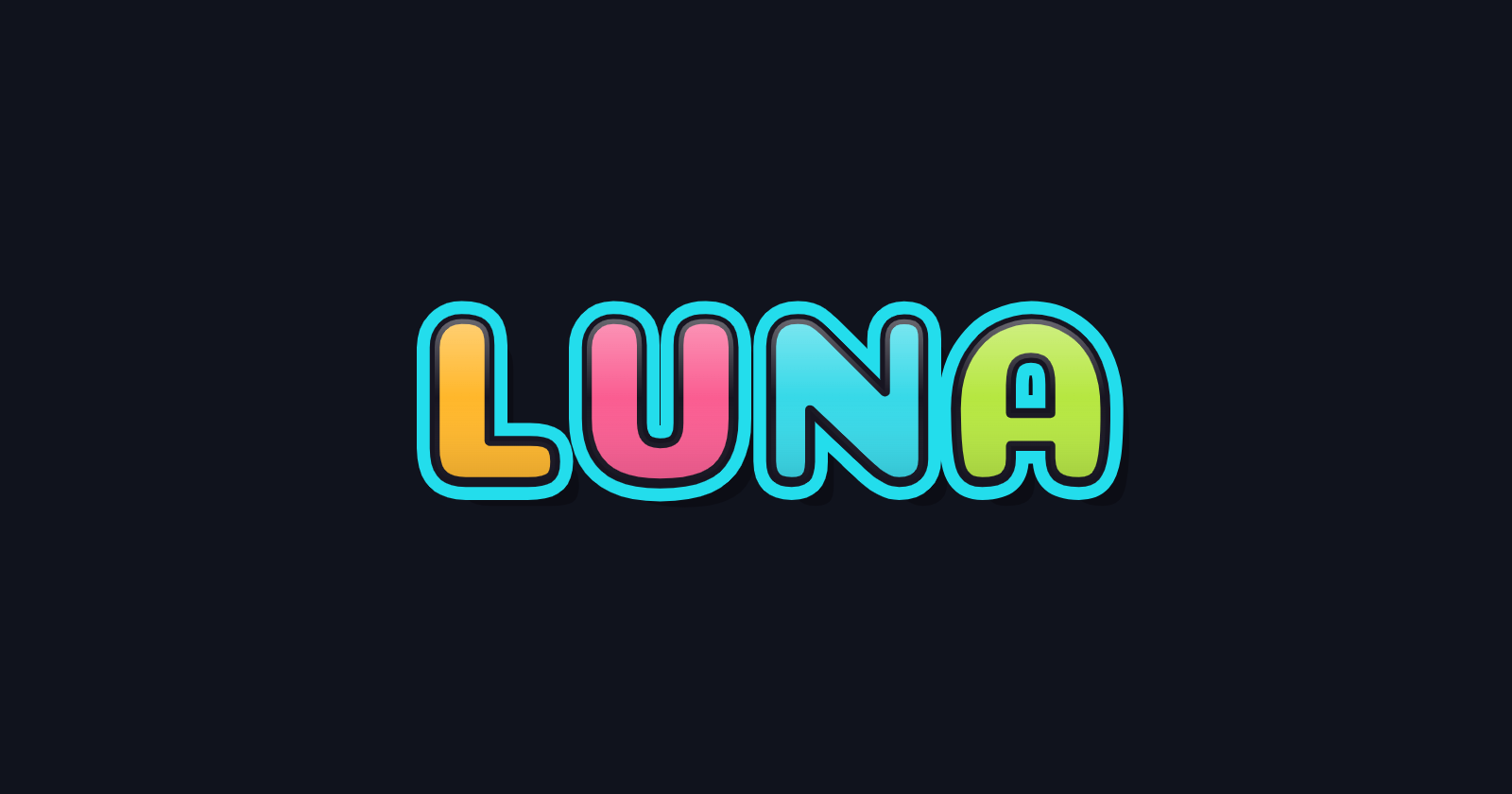
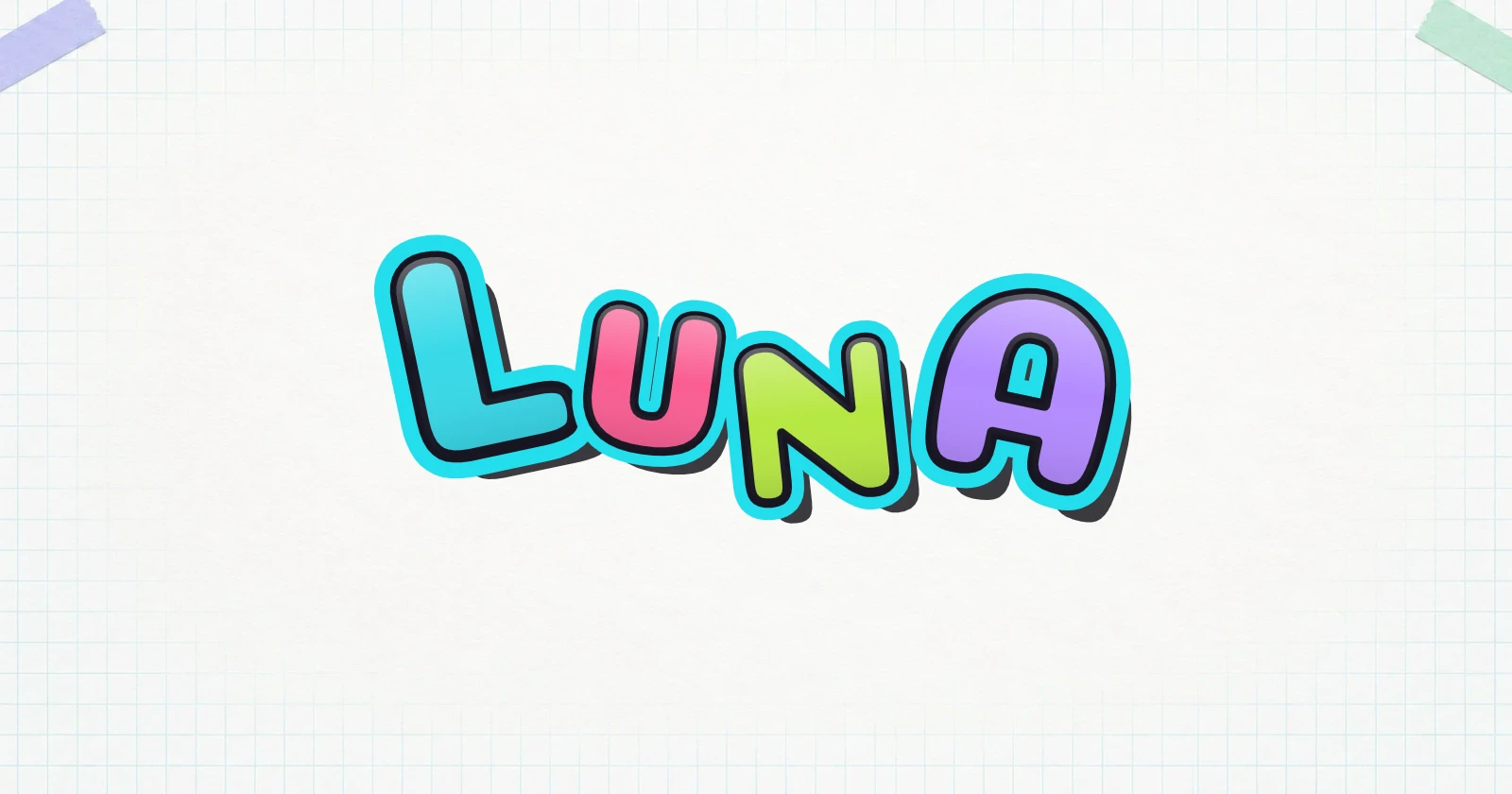
A preset is a starting point. Raise one letter, tilt another, or make the first character larger to change the rhythm of your word. Repeated letters remain separate, so editing one does not change the other.
The LUNA example keeps the same text and preset while changing position, rotation, size, and color. Use the layer controls when letters overlap, and undo an adjustment if it makes the word harder to read.
Names and short phrases
Turn your name into graffiti
Use the graffiti name generator for a first name, nickname, or short phrase. These example designs show different ways to use the exported lettering.
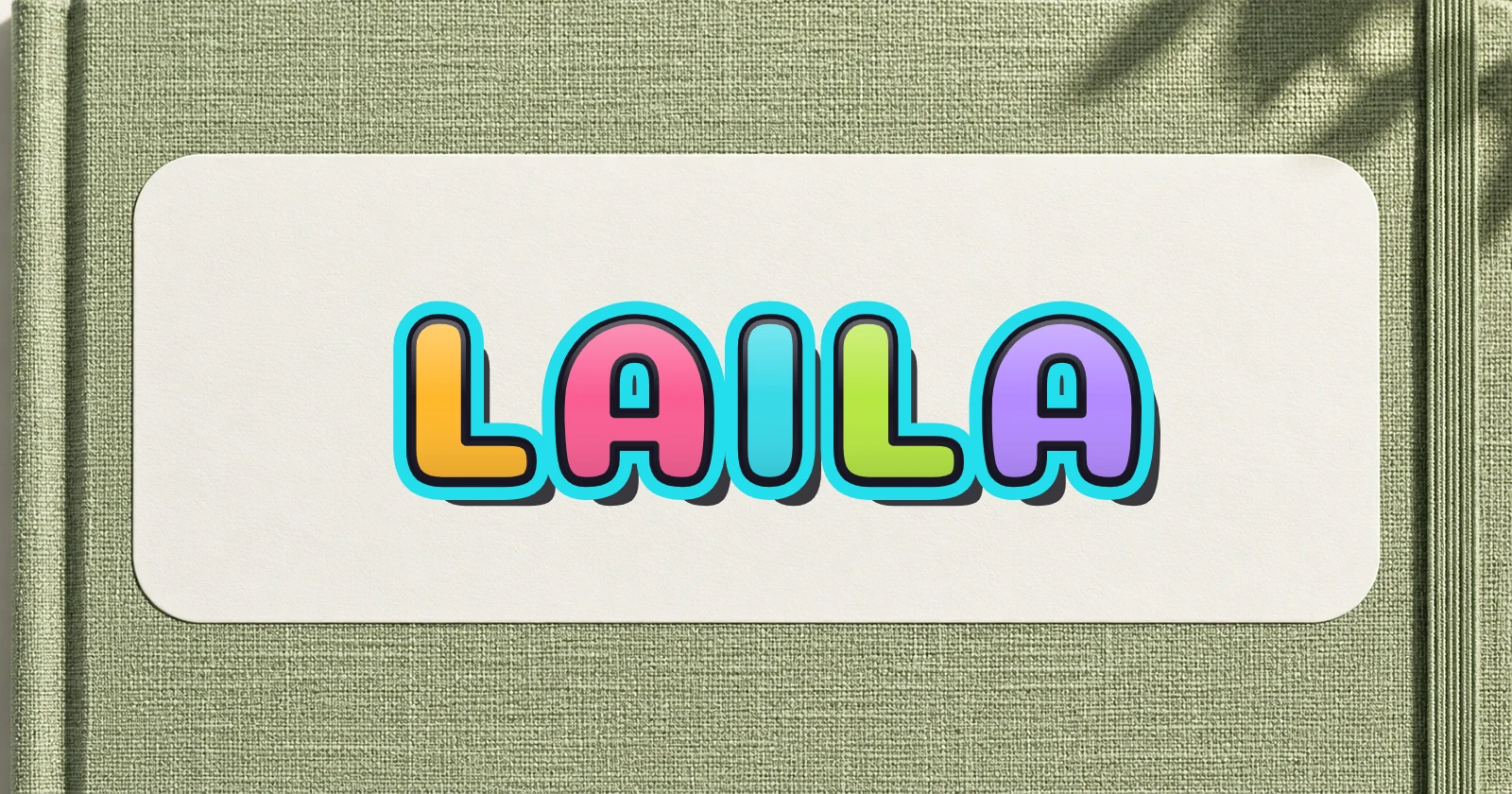
A name sticker
Make a first name into a colorful label. Use a distinct outline and a transparent PNG to place the lettering over another background.
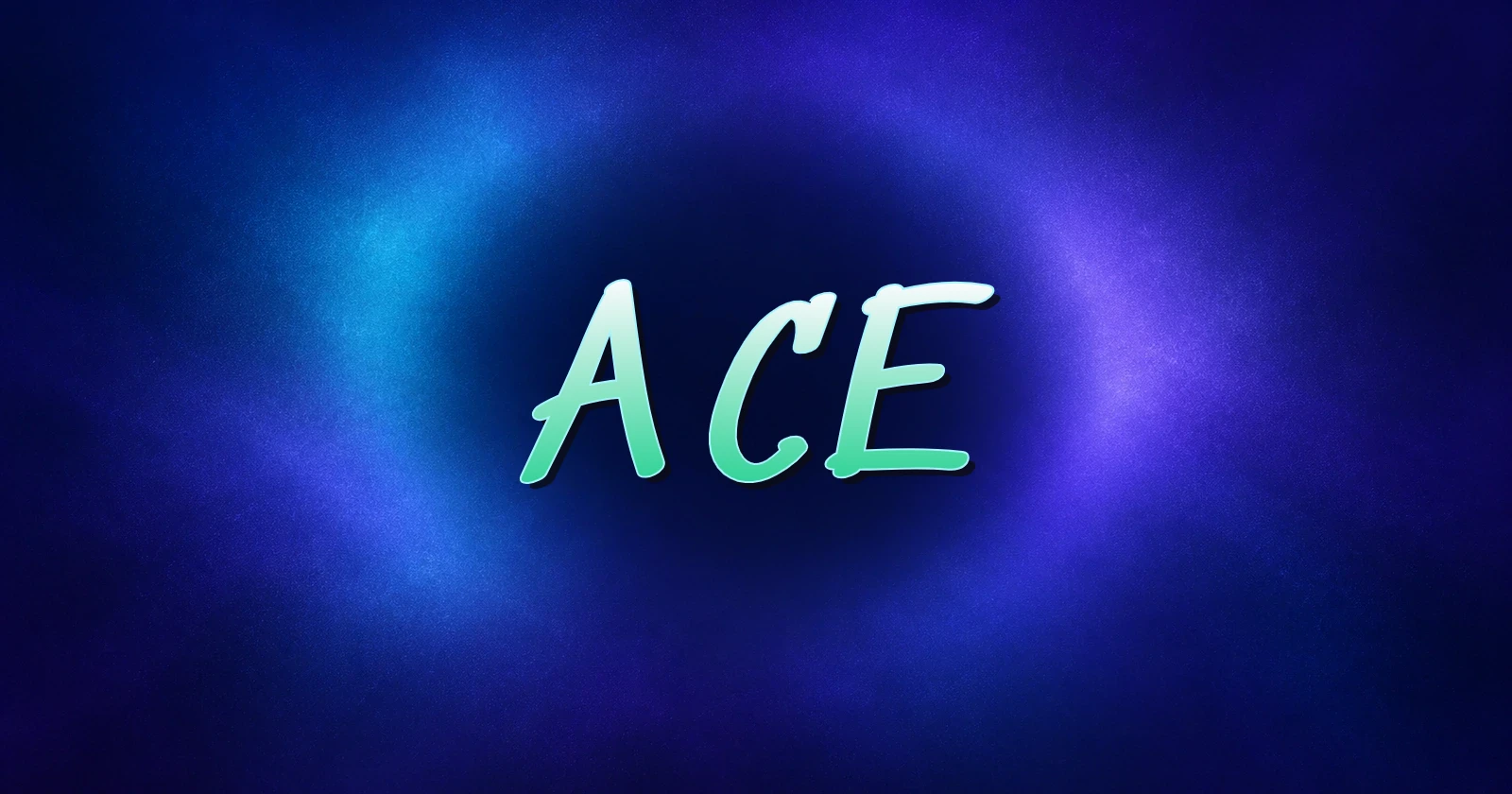
An avatar wordmark
Use a short nickname for a profile graphic. Leave room around the word for a square layout, and check readability at a small size.
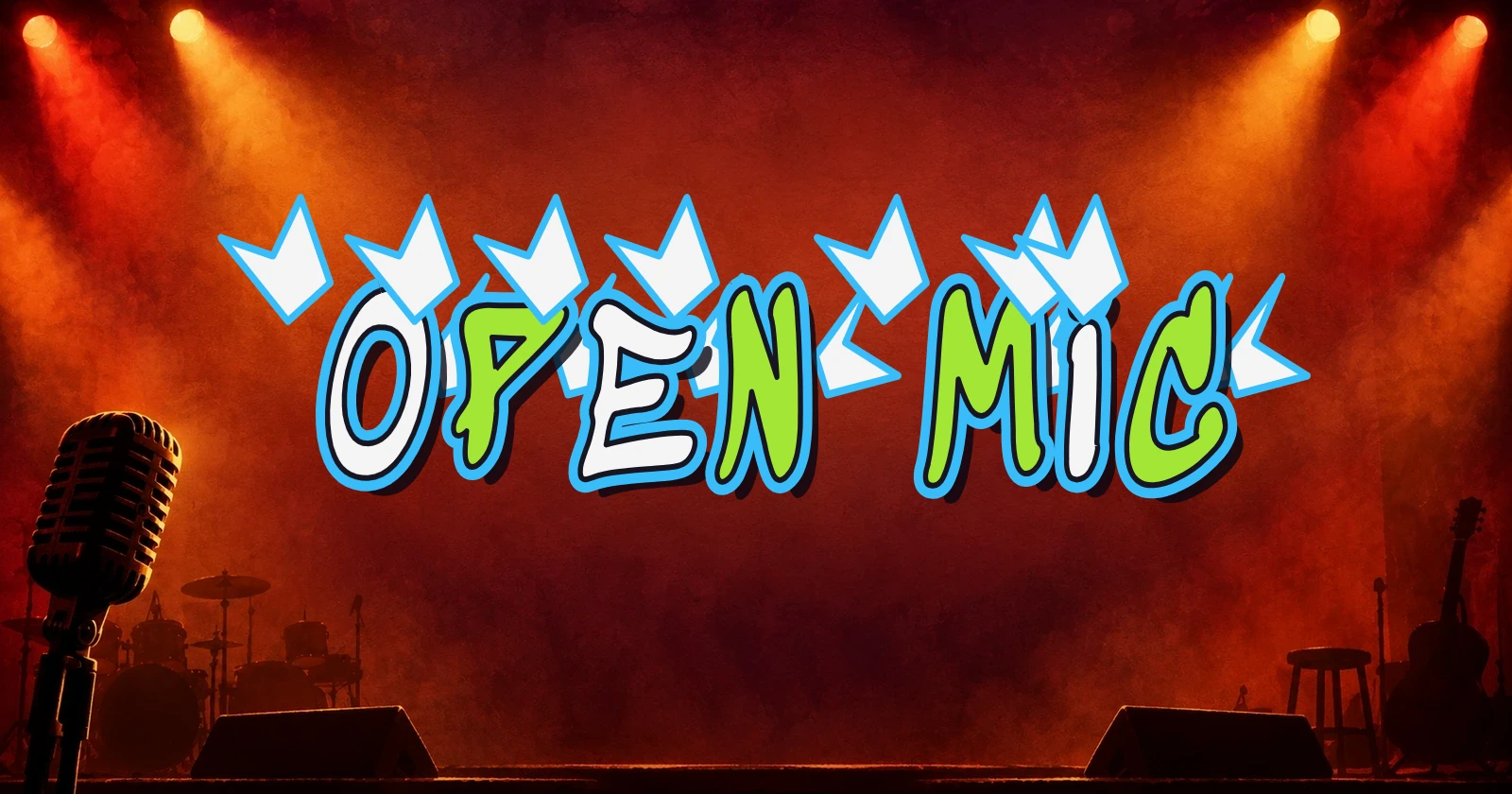
A poster title
Export an event title, then add it to your poster layout. Match its colors to the surrounding design; the generator creates lettering, not the complete poster.
Download your design as PNG or SVG
Choose the file for your next step. These downloads contain your artwork, rather than an installable graffiti font.
- PNG
Keep the background
Download a ready-to-use image with the canvas background included. Choose this when the background color is part of your design.
- Transparent PNG
Place it on another design
Export the lettering without its background to layer it over a photo, slide, or poster. Check the outline against the new background.
- SVG
Continue with vector shapes
Open the artwork in a compatible vector editor. English letters are exported as paths, not editable typed text; Chinese characters can depend on installed system fonts.
How to use the graffiti generator
Three steps from your first word to a finished download.
For letter-shaping tips, read the bubble lettering guide, or explore individual shapes in the graffiti alphabet A–Z.
Frequently asked questions
Answers about the editor, downloads, and working with your design.
The editor and all three download formats are free. No account is needed, and exported artwork has no watermark.
No. It uses font shapes and style presets that you can adjust. It does not generate images or scenes from AI prompts.
The result is artwork, not Unicode text. Download an image for your design or profile graphic; pasting the original text into a bio will not preserve its appearance.
Enter up to 20 characters, including spaces and punctuation. Short names leave room for outlines. Unsupported characters show a message so you can revise the text.
English letters, numbers, Chinese characters, and supported punctuation are accepted. Chinese uses system fonts, so its appearance may differ between devices and from the English lettering. Arabic input is not currently supported.
No installation is needed. PNG gives you an image; SVG contains the artwork's shapes. Neither download is a font file you can install.
Download PNG, transparent PNG, or SVG before leaving. Edits last only while this page is open; refreshing or returning starts a new design.
Yes. Enter text, choose a style, and tap a letter to adjust it. Use position controls for precise movement on small screens, then download from the preview.
Create graffiti with your name
Start with a short word, try a style, and adjust the letters until the design feels right.