Create a Graffiti Tag with Your Name
Shape a short name or alias into a signature-style tag. Compare marker and script presets, fine-tune the slant and spacing, and use the handstyle guide to develop a smoother flow.
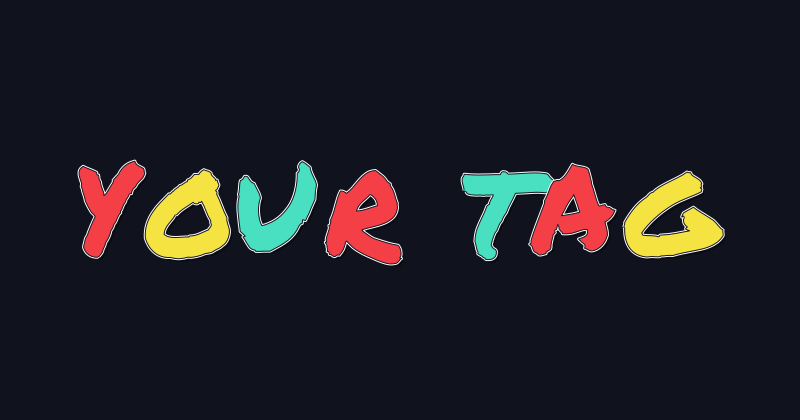 Original Marker
 Neon Handstyle
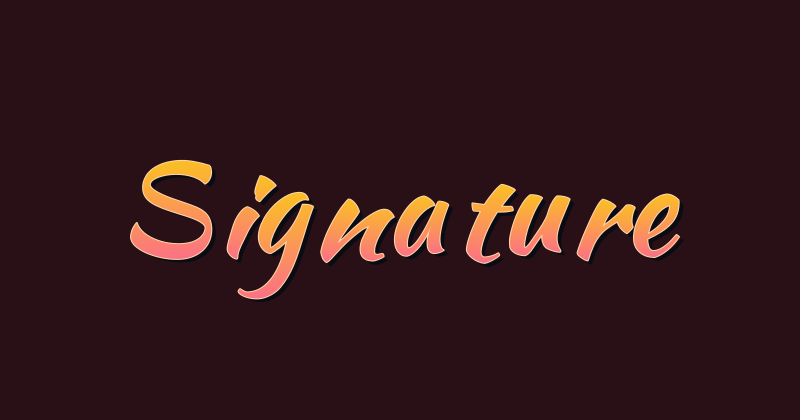 Sunset Signature
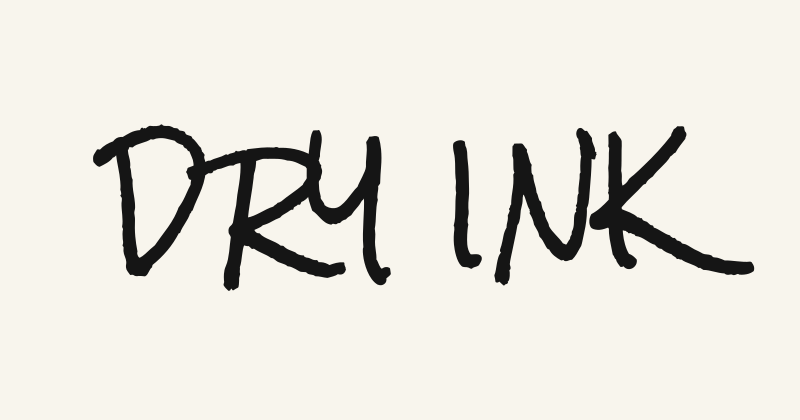 Dry Marker
 Ink Splash
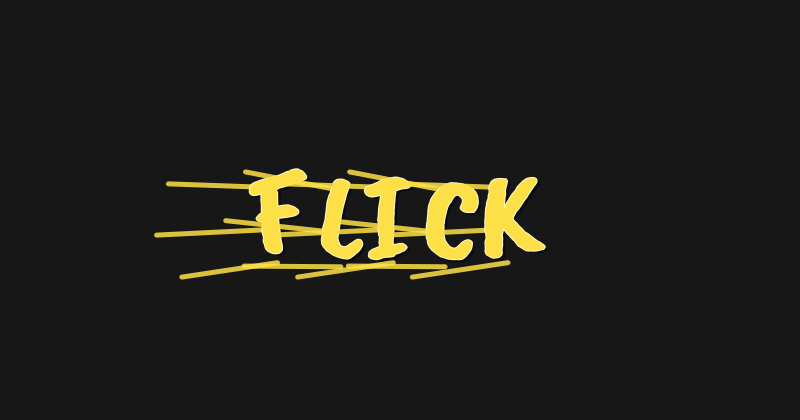 Brush Flick
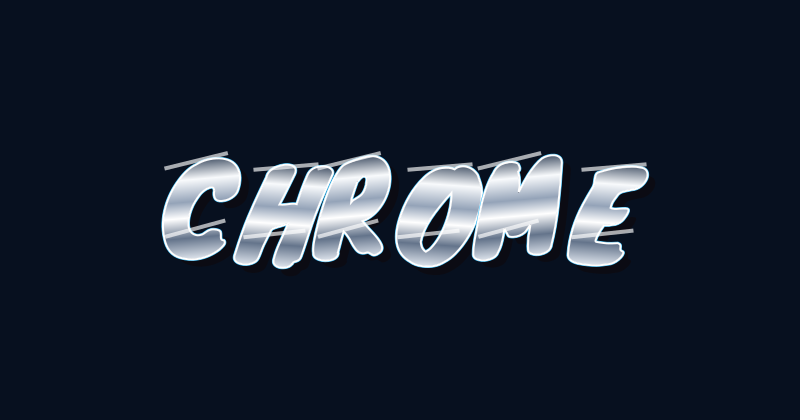 Chrome Tag
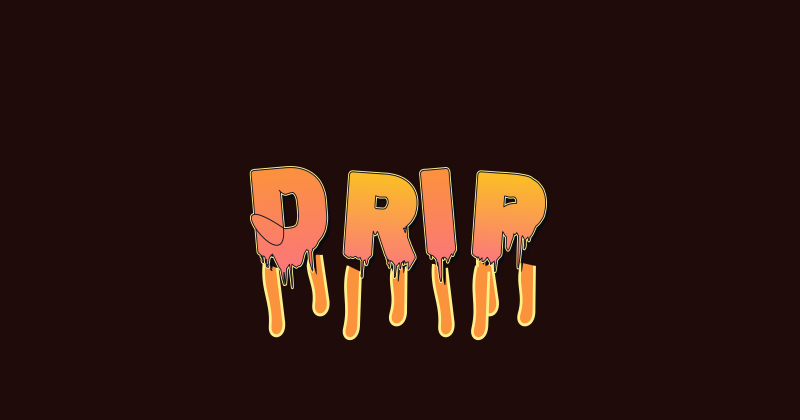 Paint Drip
 Chalk Scratch
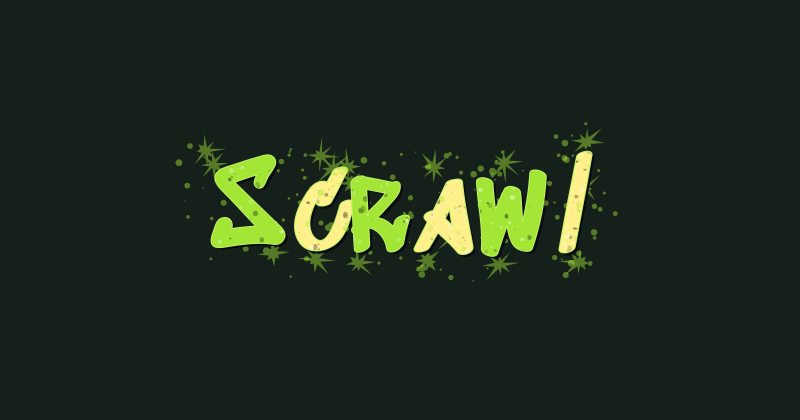 Street Scrawl
 Smooth Script
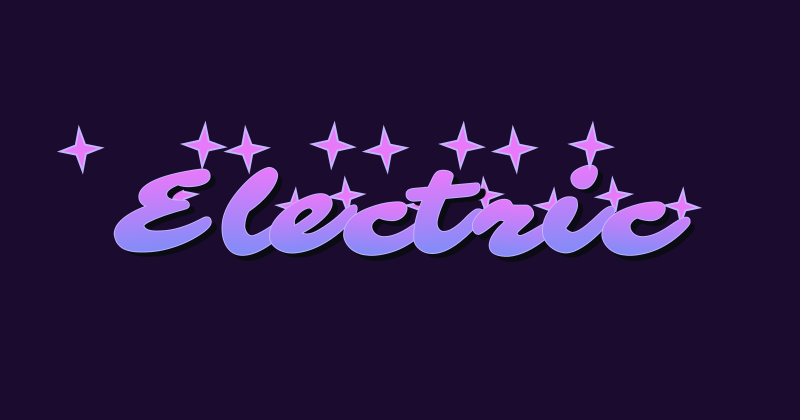 Electric Signature
 Copper Flow
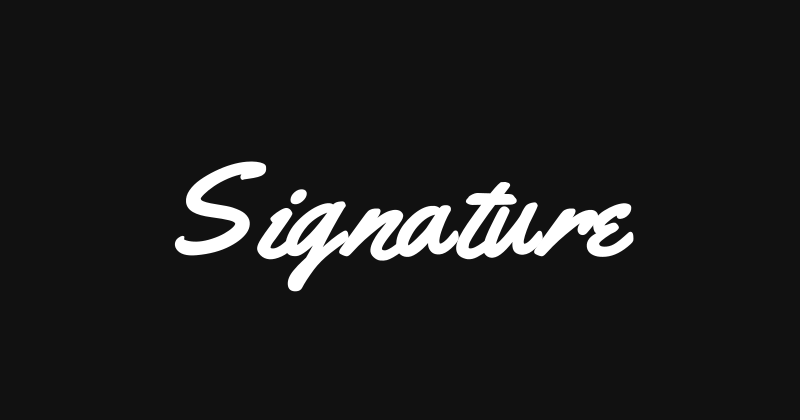 Monoline Signature
 Stamped Ink
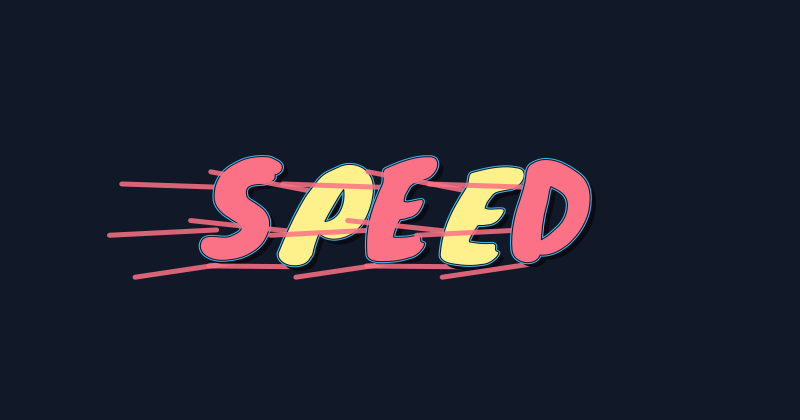 Fast Lane
 Ghost Tag
 Gold Rush
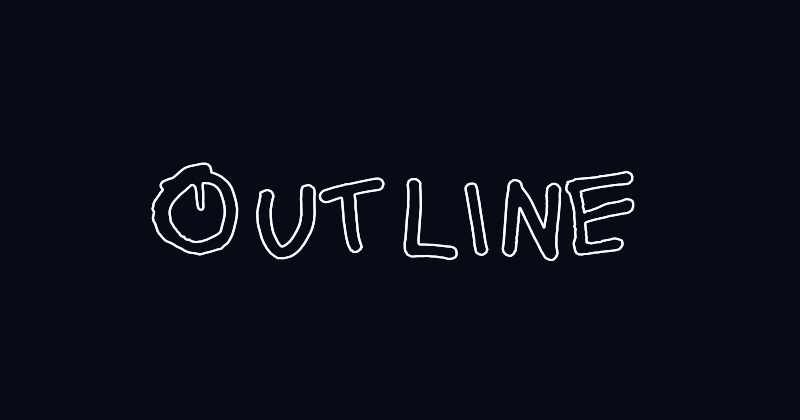 Outline Writer
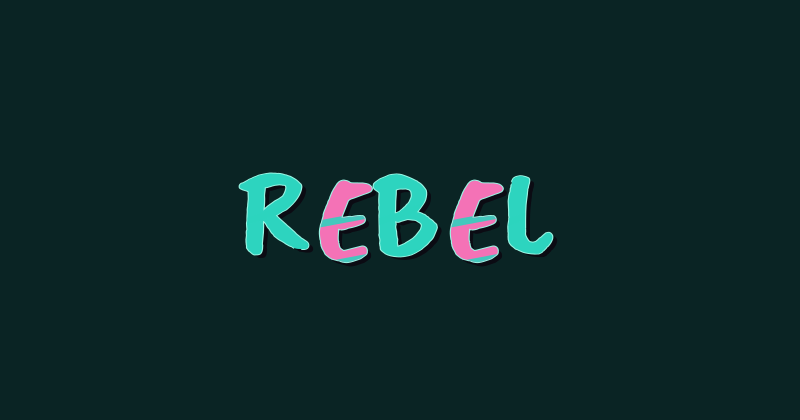 Rebel Brush
 Tag Mist
 Tag Grain
 Tag Paint Bomb
 Tag Wet Paint
 Tag Dry Brush
 Tag Worn
 Tag Chalk
 Tag Neon Halo
 Tag Double Outline
 Tag Bevel
Build a graffiti tag with flow
Short names give you room to study the relationship between strokes. Keep each letter recognizable as you experiment.
Understand graffiti tags and develop your handstyle
Study the signature first, then use the presets to compare different digital lettering directions.
What is a graffiti tag?
A graffiti tag is a writer’s stylized signature, usually built around a name or alias. Handstyle is the character of that writing: the shape, rhythm, angle, and connections that make the signature recognizable.
Traditional tags are written by hand. This graffiti tag generator uses adjustable font shapes and presets to create digital lettering. It can help you compare layouts for an avatar, sticker, or wordmark while you develop your own handstyle on paper.

Graffiti tag ideas for beginners
Start by writing a short alias in plain letters several times. Try one change at a time: a different slant, a tighter pair of letters, or a longer ending stroke. Compare the versions and keep the ones that read smoothly across the whole name.
Practice the alphabet to understand which shapes repeat in your tag. Keep decorations restrained while learning; an underline or extension should support the lettering. In the editor, compare marker and script presets, then adjust the angle and spacing for your own word.
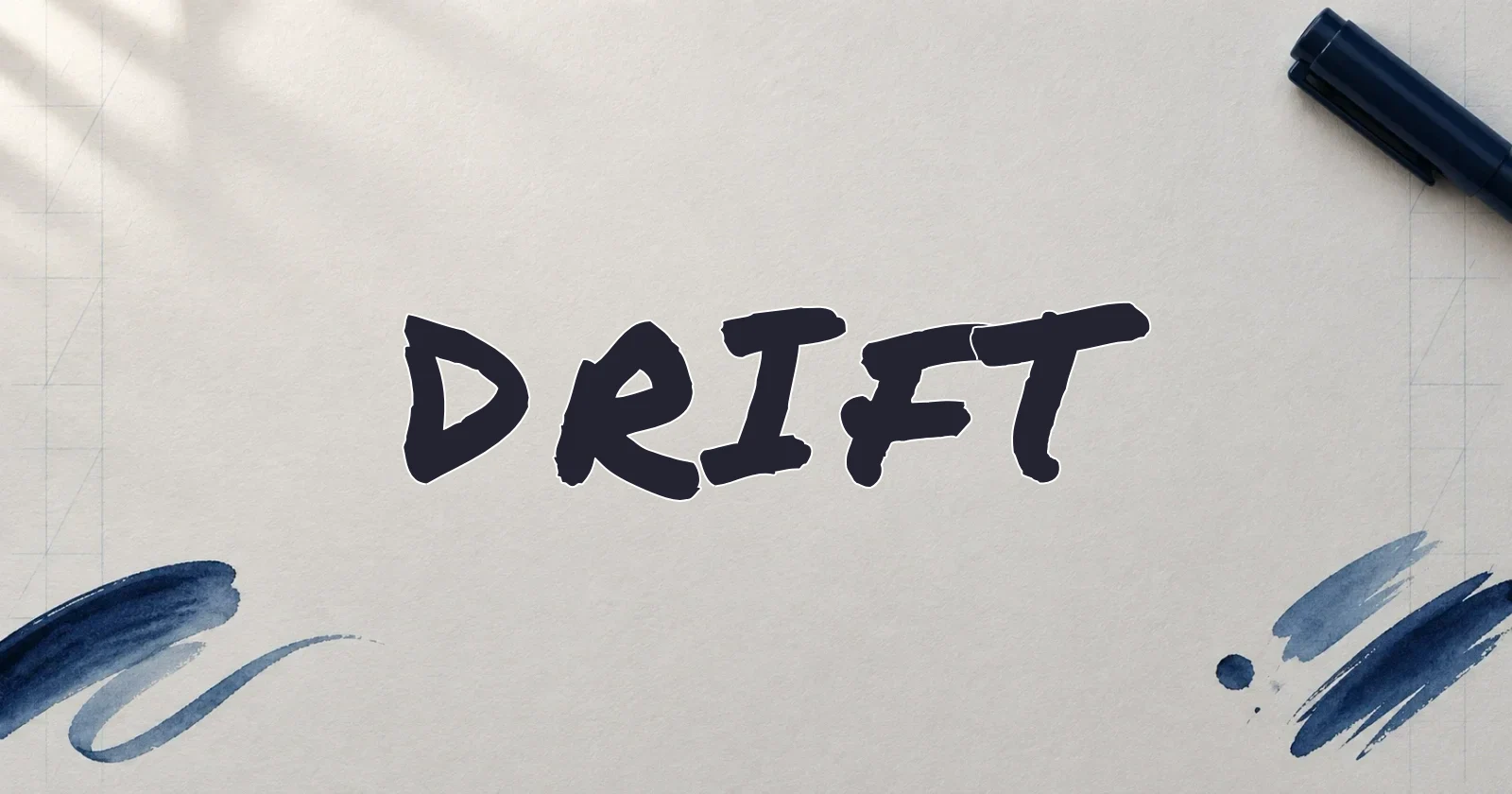
How to use the graffiti tag generator
- 01
Enter a name or alias
Choose a marker or script preset above and type a short name. Check how the selected style handles every letter in the word.
- 02
Adjust the handstyle layout
Move and rotate letters to balance spacing and slant. Start with a simple color, then adjust the outline or shadow if your graphic needs more contrast.
- 03
Save the tag graphic
Download PNG or SVG before closing the page. Use a transparent background to place the lettering on a profile graphic or sticker layout.
Graffiti tag questions
Answers about the lettering style, practice, and using the editor.
A tag usually represents the writer’s name or alias. Its lettering acts as a signature. The meaning of a particular name depends on its writer and cannot be determined from the style alone.
Try a short alias with letters you enjoy writing, then compare its shape in several layouts. Develop a name and signature of your own rather than copying another writer’s identity.
Practice simple letters, consistent proportions, and smooth spacing on paper. Repeat the name and compare versions before adding flourishes. Digital presets offer layout ideas, but building a personal handstyle takes handwriting practice.
A tag is signature-style writing. A throw-up uses larger outlined letter shapes, often with a simple fill. Bubble lettering is a common direction for throw-ups and gives a different silhouette from a marker-style tag.
Yes. Open a preset, customize your name, and export PNG or SVG without an account or watermark. The result is a graphic, so its appearance will not carry over when pasted as ordinary text.
Keep exploring graffiti lettering
Study a related guide or compare another style for your next word.