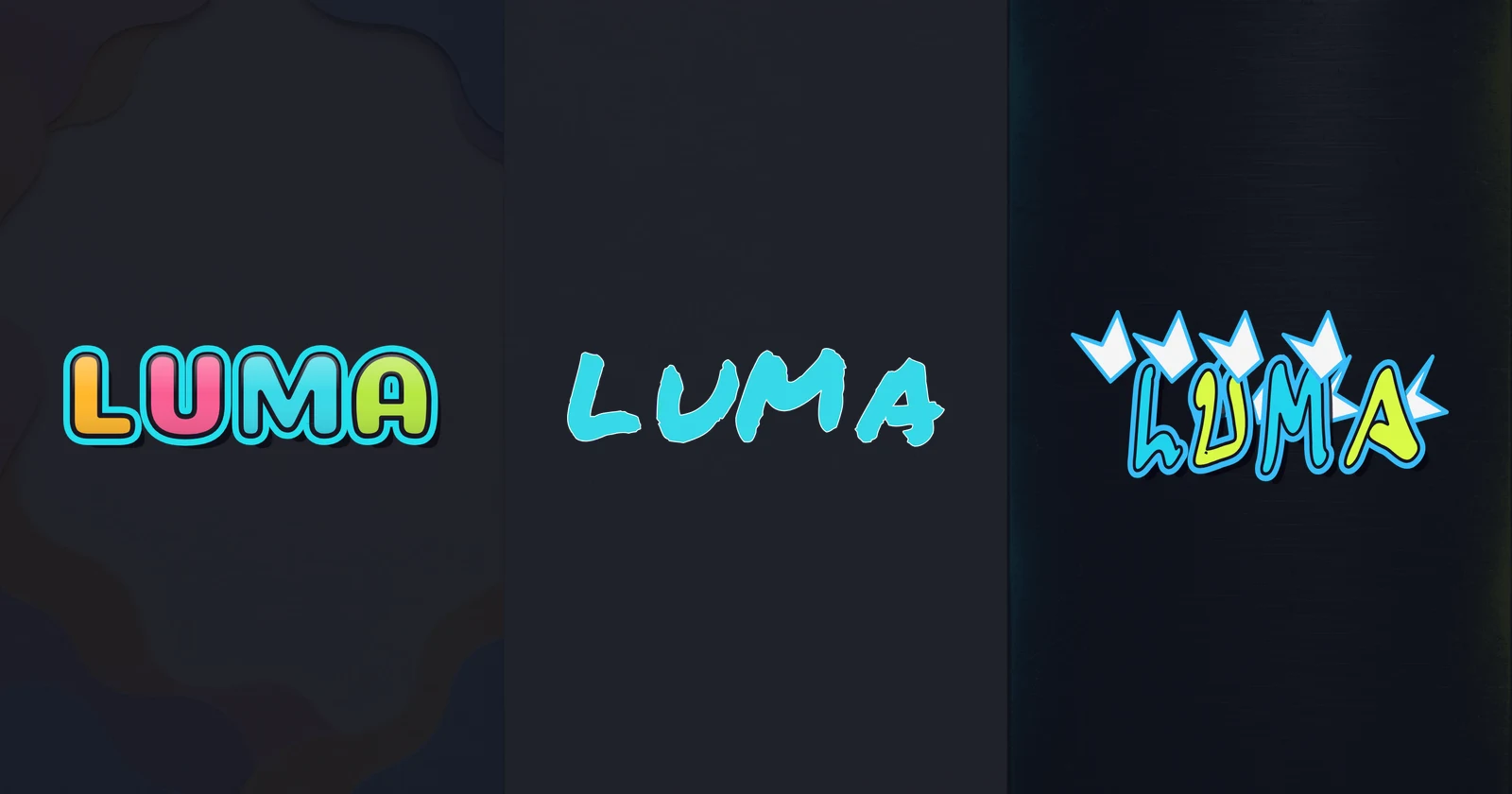
Graffiti Styles Explained: Bubble, Tag, and Wildstyle
Compare graffiti styles: Bubble, Tag, and Wildstyle. See the same word in each style and choose readable lettering for stickers, avatars, and poster titles.
Graffiti styles change how a word is built and how quickly someone can recognize it. Bubble lettering uses inflated contours, Tag lettering emphasizes a signature’s strokes and rhythm, and Wildstyle develops complex relationships between letters. Choosing a direction is easier when you compare the same word across styles.
This guide uses LUMA throughout. The examples below come from the site’s editor, using the same canvas dimensions, fill color, and background. They show available preset lettering. They do not represent every artist’s approach to these styles.
Compare the three graffiti styles
Look at the outer silhouette first, then the spaces inside and between letters. Color and texture can change the mood, but they will not repair a letter that has become unrecognizable.
| Direction | What to look for | Readability depends on | Useful starting point |
|---|---|---|---|
| Bubble | Rounded contours and broad letter bodies | Open counters and visible gaps | A name sticker or friendly display word |
| Tag | Marker-like strokes and a shared writing rhythm | Consistent slant, proportion, and spacing | A signature concept or short profile name |
| Wildstyle | Connections, extensions, and interacting letter structures | Preserving the letter skeleton beneath complexity | A large lettering composition to study or develop |
These are practical visual distinctions, not fixed difficulty ratings. A sparse tag can take considerable practice, and a rounded word can become hard to read when its letters are crowded.
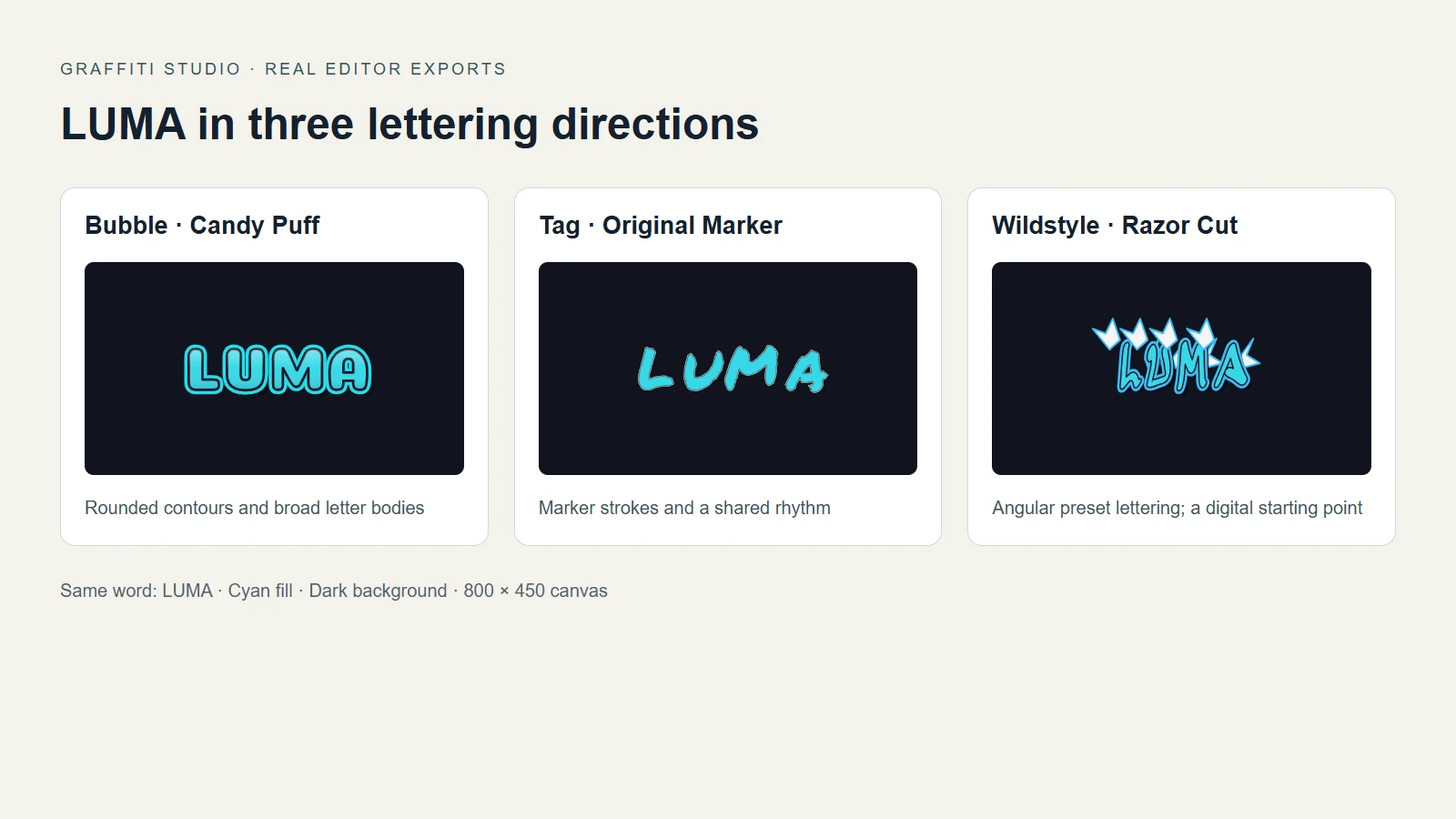
Actual LUMA exports: Candy Puff, Original Marker, and Razor Cut. Each uses an 800 × 450 canvas, cyan fill, and a dark background. Differences in letter mass and ornament come from the presets.
Razor Cut is a Wildstyle-inspired font preset. Its angular letters and arrows do not form a custom interlocking Wildstyle piece. Use this comparison to choose among the tool’s outputs; study drawn letter connections separately.
Bubble graffiti: build a rounded silhouette
Bubble graffiti turns each letter into a broad, curved shape. The outline wraps around the letter rather than following the thin path of ordinary handwriting. Openings inside A, B, or O need enough room to survive a heavy contour.
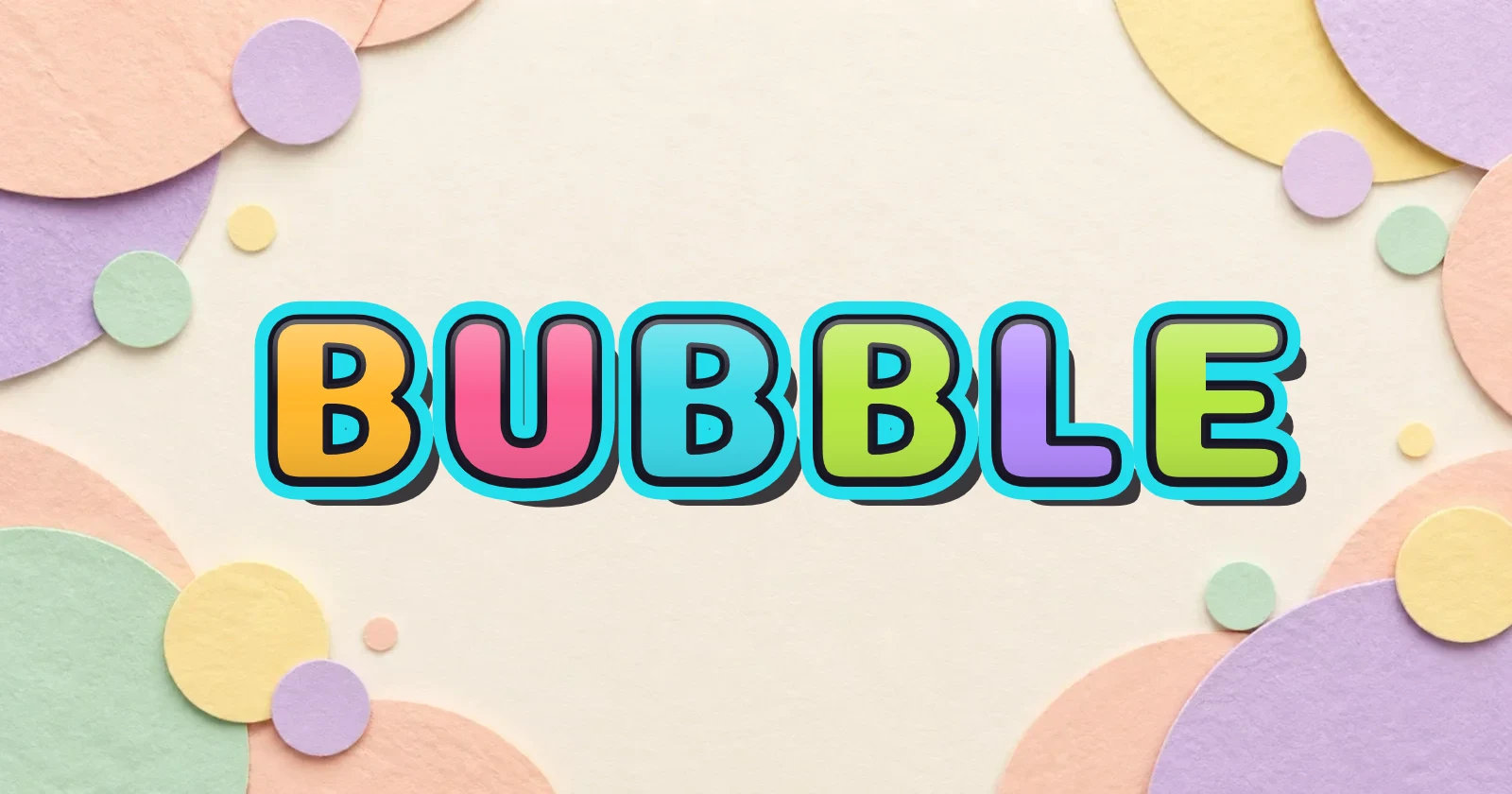
In the Bubble version of LUMA, notice the rounded U and the broad M. The space between those letters matters as much as their color. If you push them together, their outlines can obscure where one letter ends and the next begins.
Start with the bubble graffiti generator when you want to test this direction. Try one fill color and a contrasting edge before adding texture. Reduce the image to the size at which you expect someone to view it. A design that looks clear on a large canvas may lose its inner spaces on a small sticker.
For construction and finishing steps, read how to make bubble graffiti letters. Here, the useful choice is whether that broad, rounded silhouette suits the word and its intended size.
Tag lettering: follow the word’s rhythm
A Tag is a stylized name or signature. Graffiti handstyle describes how its letters are written and related. The shape of a stroke, the angle of a stem, and the gaps between letters all contribute to the word’s character.
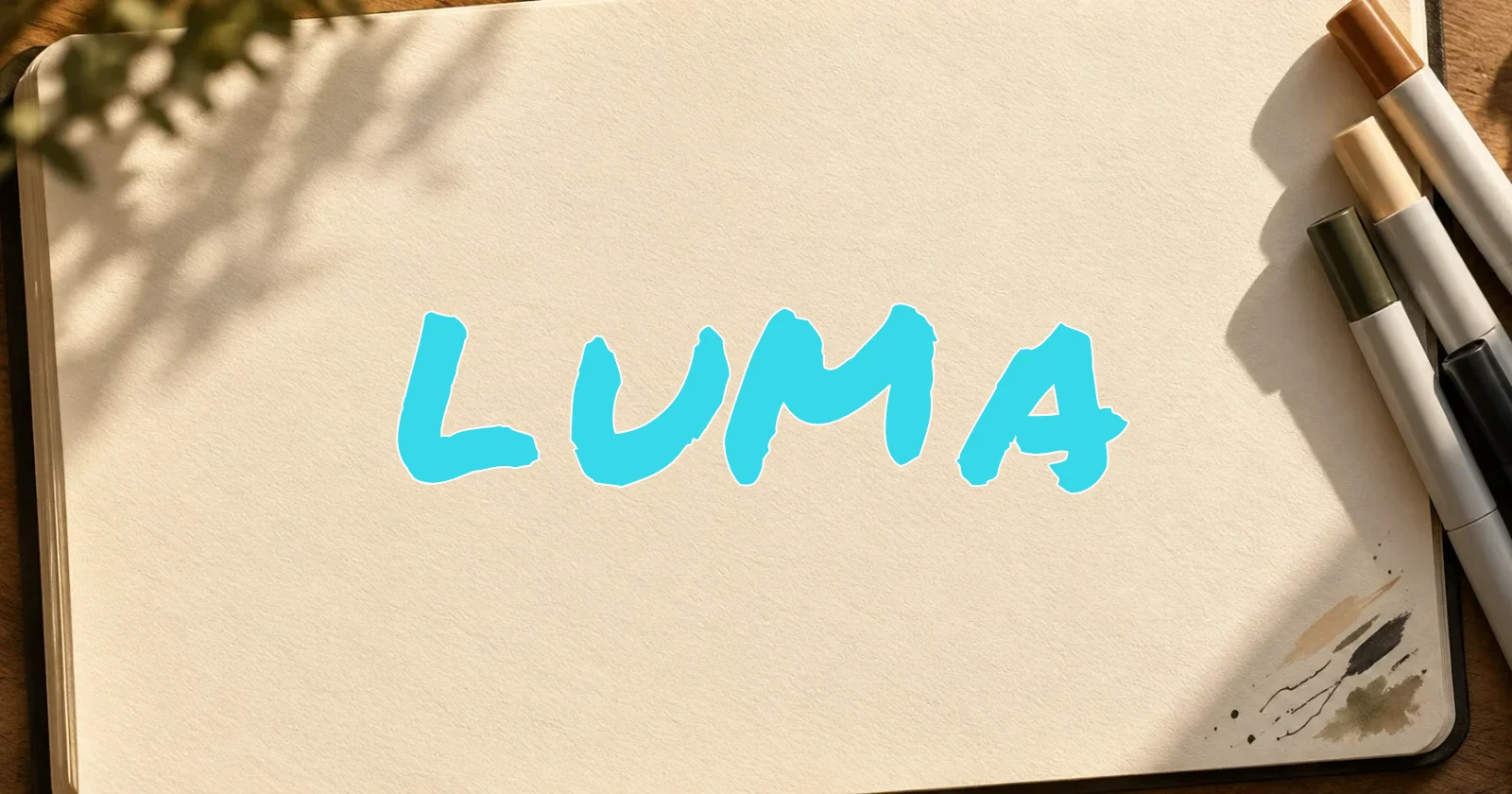
Compare the Tag LUMA with the Bubble example. It has less filled mass and a different balance between strokes and empty space. Simply increasing its outline will not turn it into a convincing Bubble word; its underlying letter construction remains different.
In a handwritten tag, rhythm also comes from your movements. A preset can help you explore a layout, but it cannot practice those movements for you. Jon Grim’s handstyle lesson explains why basic letter proportions deserve attention before decorative changes.
Use the graffiti tag generator to compare marker and script presets. Check whether the selected font works across the entire word, rather than judging one attractive letter. Our Tag beginner’s guide shows a spacing experiment and the relevant editor controls.
Wildstyle graffiti: examine the connections
Wildstyle graffiti is associated with interlocking letterforms, extensions, and connections that can make a word difficult to decipher. Arrows may appear, but an arrow alone does not create the style. The relationships between the underlying letters carry the composition.
The Wildstyle alphabet demonstration shows an artist modifying letter structures and considering how they connect. Watch the letter construction as well as the finishing details.
Our wildstyle graffiti generator offers angular and layered preset lettering for digital experiments. The Razor Cut example above is a font-based starting point. Moving it closer together or adding effects does not automatically produce a custom interlocking piece.
The editor lets you move, rotate, scale, and recolor individual letters. It does not let you redraw their internal paths. If you want to rebuild a connection between M and A, sketch that structure separately. Keep a plain version of the word nearby so you can identify which parts still describe each letter.
Choose a style for the viewing size
Test these design starting points with your word and background before committing to a layout.
A name sticker
Try Bubble first if the name needs a compact, substantial silhouette. Leave enough room for counters and outlines, then export a transparent PNG to preview it on the intended background. A Tag can also work, but thin strokes may need more contrast or a larger display size.
An avatar or profile name
A short Tag or a restrained Bubble word may stay recognizable at a small size. View the result as a thumbnail and check the narrowest gaps. If a full name becomes crowded, test a shorter word or initials. Complexity that looks appealing on the editing canvas can disappear when reduced.
A poster title
A larger title gives you room to explore an angular or layered layout. Keep essential information, such as a date or location, in clear supporting type. Compare the title from a distance, then decide whether its visual energy helps the poster communicate.
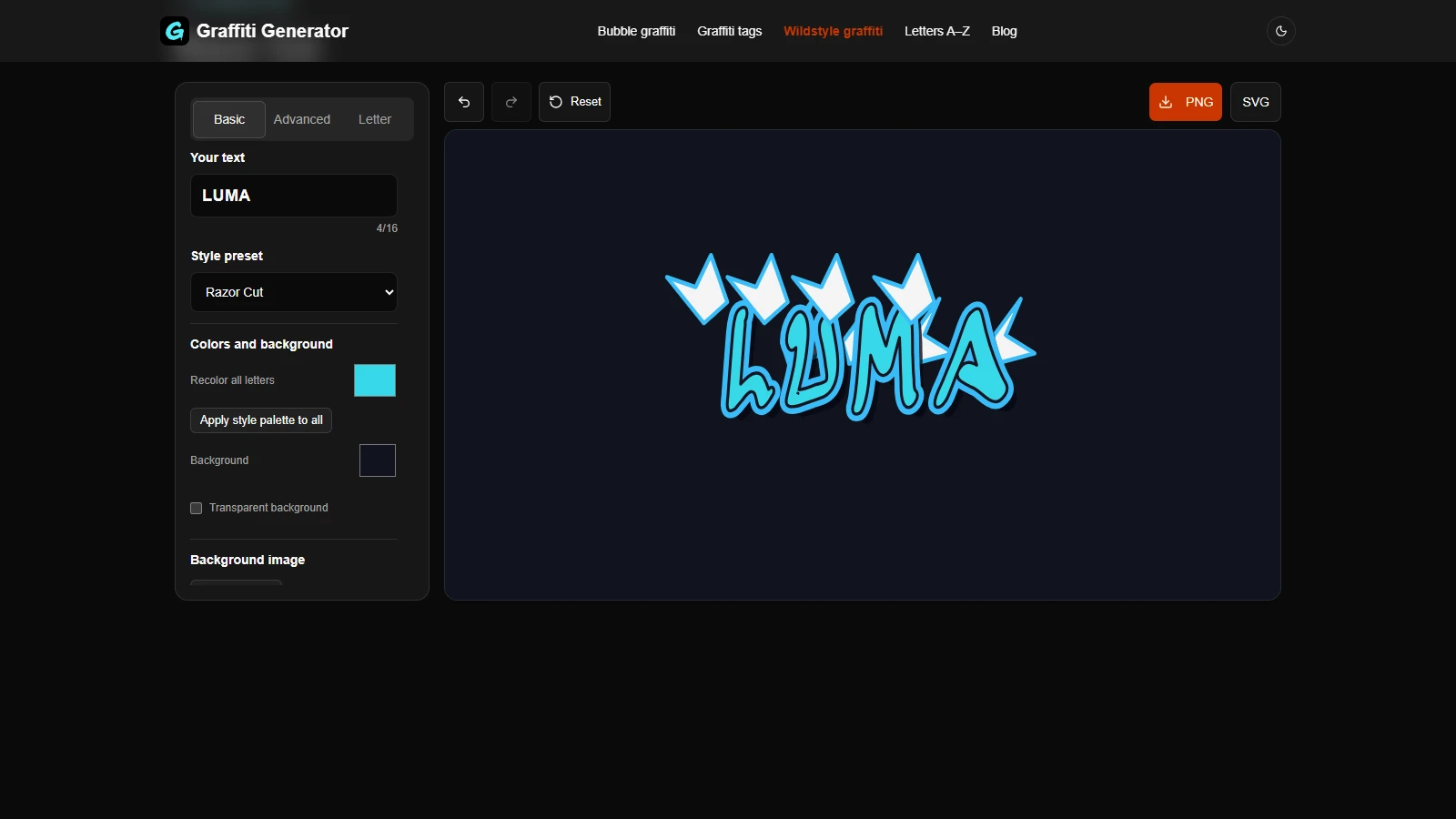
The interface shows the Basic color controls. The cover and comparison use actual exported lettering, arranged for display.
Browse the graffiti letters A–Z if one character needs closer inspection. Compare the whole word again after any individual adjustment.
Frequently asked questions
Which style should a beginner choose?
Choose a simple version of the direction you want to practice. Plain Tag letters make stroke relationships visible; rounded Bubble letters make contours easier to inspect. Keep the first word clear before increasing complexity.
Are Bubble letters and throw-ups the same thing?
Bubble describes rounded letter shapes. A throw-up is a quickly executed, simplified form of graffiti, often using rounded letters and a limited palette. The terms overlap, but a carefully developed Bubble composition is not automatically a throw-up. The Graffiti of Austin exhibit discusses the form separately from tags.
How can complex lettering remain recognizable?
Preserve the stems, bowls, openings, and directional strokes that identify the letters. Add a connection or extension, then check the word again. If a feature hides those structures, revise it before adding more detail.
Compare the word before choosing effects
Use graffiti styles as a way to examine structure: a rounded contour, a shared stroke rhythm, or a planned relationship between letters. Test LUMA or your own short word in the three tools, view each result at its intended size, and choose the layout that serves the design.
Author
Categories
More Posts
How to Make a Graffiti Tag: A Beginner’s Handstyle Guide
Learn how to make a graffiti tag with clear letters, balanced spacing, and a consistent slant. Practice by hand, then test and export a digital design online.
How to Make Bubble Graffiti Letters
Make bubble graffiti letters with the Candy Puff preset. Follow a BUBBLE example, adjust spacing and individual letters, then export a PNG or English SVG.
Newsletter
Join the community
Subscribe to our newsletter for the latest news and updates